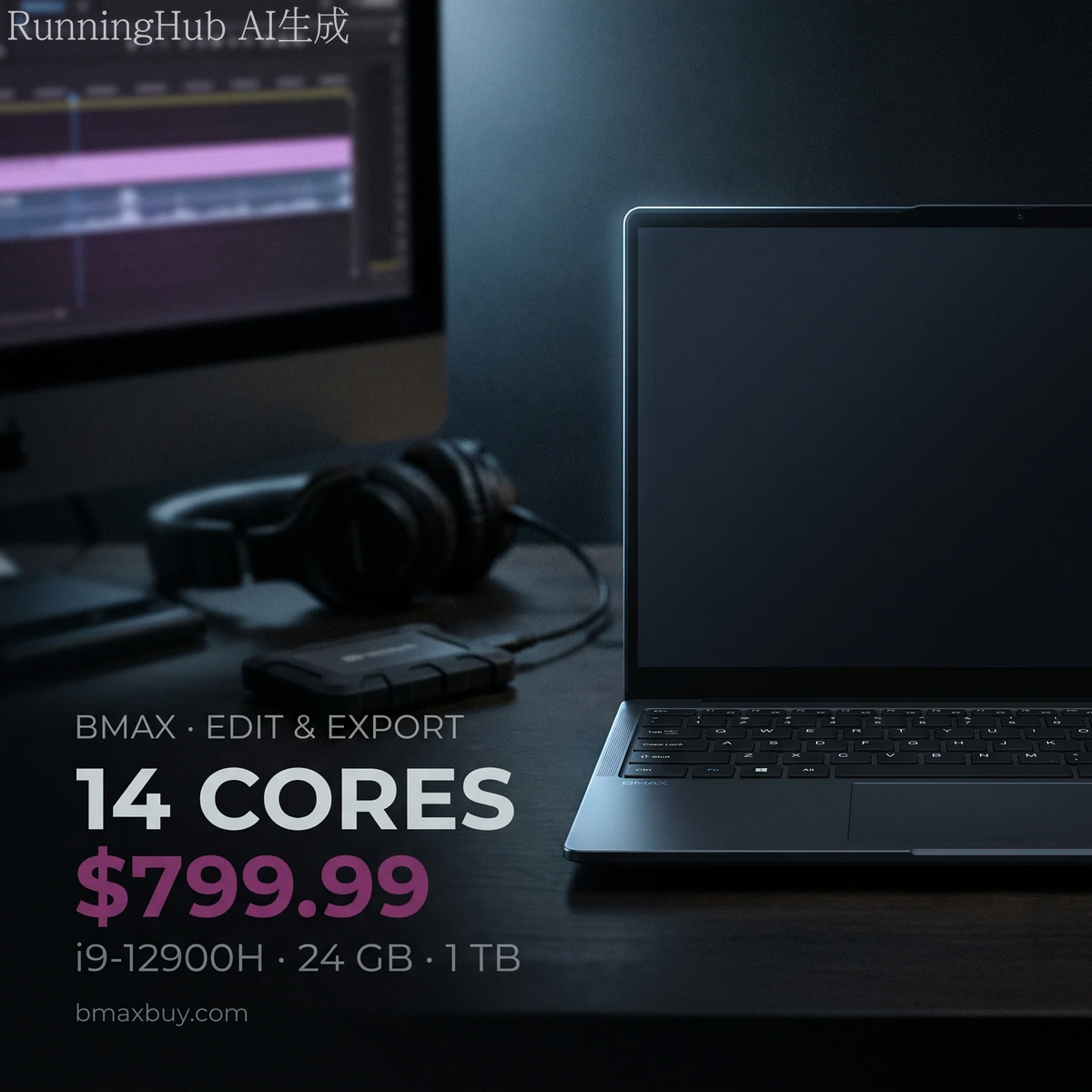
An $800 editing laptop with an i9-12900H handles 1080p work and light 4K. It does not handle 4K multicam with effects. The limit is not the CPU. It is the integrated graphics and the 1080p screen.
The X17 Power packs 14 cores and 20 threads, 24 GB of RAM and a 1 TB SSD into a 15.6-inch body. That is a serious amount of compute for the money.
What it lacks is a discrete GPU. That changes which projects finish quickly and which ones make you wait.
Key takeaways
- 1080p editing: comfortable. Timeline scrubbing, colour, audio and export all work.
- 4K single-track editing: workable, using Quick Sync for decode and encode.
- 4K multicam with effects: not this machine. You need a discrete GPU.
- The screen is 1080p, so you will not be judging 4K detail at full resolution.
- Storage is the first wall. One hour of 4K ProRes is 180 GB.
What does video editing actually need?
| Workload | CPU | RAM | GPU |
|---|---|---|---|
| 1080p, single track | 6 cores | 16 GB | Integrated is fine |
| 1080p with effects and colour | 8 cores | 16–24 GB | Integrated, Quick Sync helps |
| 4K single track | 10+ cores | 24 GB | Quick Sync for decode |
| 4K multicam or heavy effects | 12+ cores | 32 GB | Discrete GPU with 6 GB+ VRAM |
| Motion graphics, 3D | 12+ cores | 32 GB+ | Discrete GPU, 8 GB+ |
The X17 Power sits on the third row. Fourteen cores and 24 GB clear the CPU and memory bars. The integrated Iris Xe clears the GPU bar for decode and encode, not for effects.
Is integrated graphics enough?
For H.264 and H.265 footage, mostly yes. Intel's Quick Sync engine decodes and encodes those formats in hardware. That is why a 4K timeline can still scrub smoothly without a graphics card.
Where it breaks down is anything that renders on the GPU. Noise reduction, warp stabiliser, heavy colour grades and multicam angles all want dedicated VRAM. On Iris Xe they run, slowly, and the fan tells you so.
Check your codec first. If your camera records H.264 or H.265, Quick Sync carries most of the load. If it records ProRes, BRAW or 10-bit 4:2:2, a laptop without a discrete GPU will struggle regardless of core count.
Which X17 should you buy?
| Model | Specification | Who it suits |
|---|---|---|
| X17 Turbo — $499.99 | Core Ultra 5 115U, 16 GB, 512 GB | 1080p YouTube edits, light cutting |
| X17 Power — $799.99 | Core i9-12900H, 24 GB, 1 TB | 1080p client work, 4K single track |
| X17 Power 32 GB — $849.99 | Core i9-12900HK, 32 GB, 1 TB | Long timelines, After Effects, many browser tabs |
The $50 step from 24 GB to 32 GB is the best value in this lineup. Editing software holds frames in RAM, and a 4K timeline with a few effects will use more than 24 GB.
How much storage do you need?

A 1 TB drive sounds generous until you convert it into footage. At 4K H.264 it holds about 21 hours. At 4K ProRes it holds about 5 hours before proxies and cache.
Two practical answers. Record proxies at half resolution for editing, and keep the originals on an external drive. Or shoot 1080p when the delivery is 1080p, which is most client work.
Does it throttle on long exports?
Every thin laptop throttles under sustained load, and the question is how much. A 14-core i9 in a 15.6-inch chassis will settle below its peak clock after 15 to 20 minutes of export.
Export is CPU work, so it is where a laptop shows its thermal design. A short 1080p clip finishes in minutes. A long 4K timeline with effects is a coffee break, not a quick save.
Two habits reduce it. Raise the rear of the laptop 20 mm on a stand, and set the power profile to performance while plugged in. Both buy back a few hundred megahertz for free.
What about the screen?
The 15.6-inch panel is 1920×1080. That is fine for cutting, colour balance and text, and it is not enough to judge 4K sharpness or fine grain.
If your delivery is 4K, plan on an external monitor for the final check. A 27-inch 4K panel costs about $300 and will matter more to your output than the next CPU tier.
Is a desktop better for editing?
At the same price, yes for sustained work. The B12 Power at $749.99 gives you a Core Ultra 9, 24 GB and 16 cores. It also does not throttle after 20 minutes of export.
The laptop wins when you edit away from a desk. The desktop wins when you export for an hour and want the fan to stay quiet.
FAQ
Is an i9-12900H good for video editing?
Yes. Fourteen cores and 20 threads handle 1080p work comfortably and 4K single-track edits with Quick Sync. The limit is the integrated graphics, not the CPU.
Can you edit 4K video without a dedicated GPU?
Single-track 4K in H.264 or H.265, yes. Multicam, heavy effects, noise reduction and ProRes timelines need a discrete GPU with dedicated VRAM.
How much RAM do I need for 4K editing?
24 GB is workable. 32 GB is safer for long timelines, After Effects and browser tabs open at the same time.
Is 1 TB enough for video editing?
About 21 hours of 4K H.264, or 5 hours of ProRes. Use proxies and an external drive for anything longer than a short project.
Is a 1080p screen enough for editing 4K?
For cutting and colour, yes. For judging sharpness and grain, no. Add an external 4K monitor for the final review.
Which BMAX laptop should I buy for editing?
The X17 Power at $799.99 for 1080p client work, or the 32 GB version at $849.99 if you edit 4K timelines with effects.
Related reading
- Best AI mini PCs
- Build a mini PC or buy one
- Do mini PCs come with Windows 11?
- The BMAX buying guide
- BMAX store
14 cores, 24 GB, $799.99. The X17 Power is the editing laptop here, and $50 more doubles the headroom.
Sources
- Storage: calculated from bitrate, assuming 931 GB usable on a 1 TB drive.
- Quick Sync support: Intel media engine documentation for 12th-gen Core.
- Specifications and prices: bmaxbuy.com product listings, November 2026.
Editing performance is described from hardware specifications, not measured benchmarks. Results vary by codec, timeline complexity and software version.