If you want to build a mini PC to save money, you will be disappointed. A $460 prebuilt with 16 GB of RAM and Windows costs less than the same machine assembled from parts. Building only wins when you need a combination nobody sells.
I priced three routes at October 2026 retail: a barebone plus parts, a full ITX build, and a prebuilt. The numbers below include every component and exclude tools.
Key takeaways
- Barebone plus parts: $210 without Windows, $330 with a licence.
- Full ITX build: $473 for an i3-12100, 16 GB and 512 GB.
- Prebuilt B11 Pro: $459.99 for the same memory and storage, assembled and warranted.
- Building wins in one case: you want Linux and can skip the $120 licence.
- You also give up a single warranty, which matters more than the $13 price difference.
What does it actually cost to build a mini PC?

The cheapest route is a barebone. An N100 board in a case costs about $140. Add 16 GB of DDR4 SO-DIMM for $32 and a 512 GB NVMe drive for $38, and you have a working machine for $210.
That figure assumes Linux. Windows 11 Pro adds $120 for an OEM licence, which brings the same machine to $330 and removes most of the advantage.
The ITX route also needs a power supply sized for a 65 W desktop CPU rather than a 15 W mobile chip. An SFX 450 W Gold unit costs about $75. It runs below its efficiency peak, because the load sits near 10% of the rating.
A full ITX build is a different hobby. An i3-12100 with an ITX board runs about $230, and the case, PSU, cooler, memory and storage add $243. Total: $473, before any operating system.
Is a barebone cheaper than a prebuilt?
Only if you skip Windows. At $210 the barebone is $10 cheaper than the B3 Turbo and gives you twice the memory and storage. At $330 it is $110 more expensive than the same prebuilt, for the same 16 GB and 512 GB.
That is the whole argument in two numbers. The parts are not expensive. The licence is.
A licence is also harder to price than it looks. OEM keys sell for $20 to $40 on resale sites, and they are tied to a motherboard. A retail licence costs $199 and can move to the next machine. Either way, budget for it before you compare totals.
Used parts change the maths. A second-hand 8th-gen ITX board, a spare DDR4 stick and a pulled NVMe drive can cut a build to $120. That is the one case where DIY clearly beats retail.
Check what the barebone includes. Some ship with a CPU soldered to the board, some with a case and PSU, some with neither. Read the listing twice. A $140 kit that needs a $60 PSU is not a $140 kit.
What should you check before buying a barebone?
Four specifications decide whether a barebone is a bargain or a trap, and none of them appears in the headline price. The first is memory slots: a single SO-DIMM slot caps you at one channel and roughly half the memory bandwidth of a two-slot board.
The second is drive length. Many compact kits accept only a 2242 M.2 drive, which limits capacity and costs more per gigabyte than the standard 2280 size. Check the listing before you order a 2280 drive that will not fit.
The third is the power supply. Some kits include a 19 V brick. Others expect you to supply one. A few use a 12 V barrel jack that is easy to confuse with a laptop charger. The fourth is BIOS support for the CPU you plan to fit.
When does building actually win?
Four situations, and none of them is price:
- You run Linux. No licence, full control of the bootloader, and a machine that idles at 6 W.
- You need specific ports. Dual 2.5 GbE, a PCIe slot, or six USB ports are easier to specify yourself.
- You already own parts. Spare DDR4 and an NVMe drive change the maths completely.
- You want silence. A large passive case and a low-power board is a combination few vendors sell.
Above roughly $700 the balance shifts again. At that budget, DIY buys a faster CPU and more storage than any prebuilt. You are no longer paying for assembly and support.
What do you give up when you build?
Three things, and the first is the one people underestimate.
One warranty instead of many. A prebuilt is one return. A build is five separate RMAs, each with its own shipping cost and support queue.
Two to four hours. Assembly is quick. Diagnosing a board that will not POST is not, especially without spare parts to swap.
Resale value. A used prebuilt sells as a working computer. A pile of used parts sells as parts.
Which route should you pick?
| Your situation | Route | Why |
|---|---|---|
| You want a working computer this week | Prebuilt | One box, one warranty, Windows included. |
| You run Linux and want 16 GB cheaply | Barebone | $210 total, no licence, easy to service. |
| You need dual 2.5 GbE or a PCIe slot | ITX or barebone | You can specify the ports; prebuilts rarely offer them. |
| Budget above $700 | ITX build | More CPU and storage per dollar than any prebuilt. |
| First computer, no spare parts | Prebuilt | Troubleshooting without spares is the expensive part. |
For most people the answer is the prebuilt, and the reason is not the $13. It is that a single warranty and a working Windows install are worth more than the satisfaction of assembly.
If you are buying rather than building, start with the mini PC buying guide. It covers how to choose by workload. The budget guide covers each price tier.
FAQ
Is building a mini PC cheaper than buying one?
Only if you skip Windows. A barebone with 16 GB and 512 GB costs about $210. A Windows licence adds $120, bringing it to $330. That is more than a $220 prebuilt with the same memory.
What is a barebone mini PC?
A barebone is a case, motherboard and CPU without memory, storage or an operating system. You add a SO-DIMM, an M.2 drive and an OS. Some kits include a power supply and some do not.
Do barebones come with Windows?
Almost never. Assume you need to buy a licence or install Linux. Check the listing, because a few kits include a Windows 11 Pro key.
What tools do I need to build a mini PC?
A Phillips screwdriver, a small anti-static mat and about an hour. Mini PCs use far fewer screws than a tower, and there are no cables to route beyond the fan and antenna.
Can I upgrade a prebuilt mini PC?
Storage usually, memory rarely. Most prebuilts solder LPDDR5 to the board for power and size reasons, so buy the capacity you need at purchase.
Which is better for a beginner?
A prebuilt. You get one warranty, a working operating system and no diagnosis when something does not POST. Build your second machine, not your first.
Related reading
- What $100, $200 and $300 actually buy
- How much RAM a mini PC needs
- Running Linux on a mini PC
- The BMAX buying guide
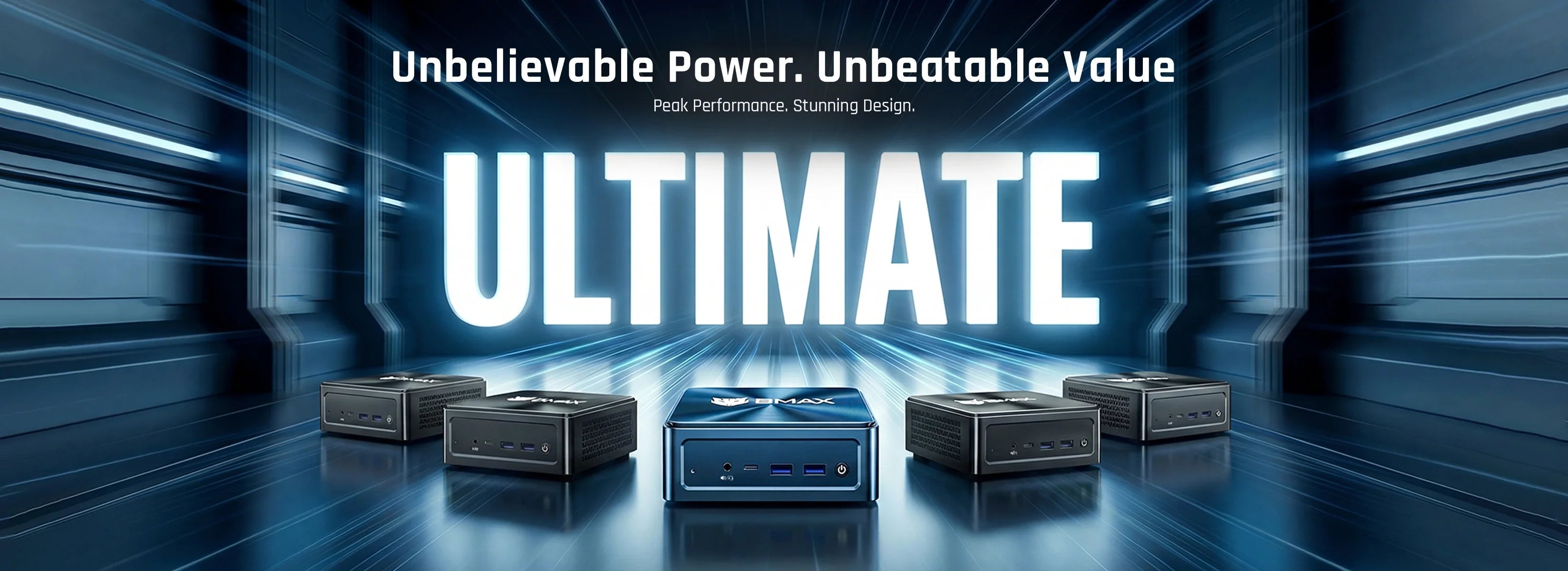
$459.99 assembled, with Windows. The BMAX B11 Pro ships with 16 GB, 512 GB and a single warranty. For less, the B4 Plus is $265.99 with an N95. If you want the CPU a build would have given you, the B9 Power runs a Core i9-12900H for $699.99.
Sources
- Prices: typical 2026 US retail for N100 barebones, DDR4 SO-DIMM, 512 GB NVMe, i3-12100 ITX bundles, SFX power supplies and Windows 11 Pro OEM licences.
- Prebuilt prices and configurations: bmaxbuy.com product pages, October 2026.
Prices are estimates for planning and exclude tax, tools and labour. Component prices move weekly.