Buy memory, not TOPS. For local AI on a mini PC, the only specification that decides which models you can run is RAM. 24 GB runs a 14B model comfortably, 16 GB runs 7B or 8B well, and 8 GB is for small 3B assistants — no NPU figure changes that.
That is the short answer, and it is the opposite of how AI PCs are marketed. Vendors put a TOPS number on the box because it is a big integer; they do not put memory bandwidth on the box because it is the number that actually limits you.
Here is what the marketing terms mean, how fast a mini PC really generates text, and which model to buy at each price.
Key takeaways
- Memory decides which models run. 8 GB → 3B, 16 GB → 7B/8B, 24 GB → 14B. Nothing above 24 GB exists in this form factor.
- TOPS does not predict tokens per second. Memory bandwidth does: a 14B model at 102 GB/s tops out around 11 tokens/second.
- Most local AI software ignores the NPU. Ollama, LM Studio and llama.cpp run on CPU and iGPU.
- Running it is cheap. Two hours of inference a day costs about $27 a year in electricity.
- 32B models do not fit. 20 GB of weights plus Windows leaves no room in 24 GB.
In this guide
What is an AI mini PC?
In 2026 the label means one of three things, and they are not equivalent:
- A machine with an NPU. Intel Core Ultra and AMD Ryzen 8000-series chips include a neural processing unit rated around 10–40 TOPS. It is designed for sustained background work — video call effects, some photo tools — and is rarely used by local language models.
- A machine with enough memory. This is the only definition that matters for running a model. 24 GB of LPDDR5 at 102 GB/s can hold and feed a 14B model.
- A machine with a strong iGPU. Intel Arc and Radeon 780M graphics can offload some layers of a model, which speeds generation up — but they share memory with the CPU, so capacity does not increase.
NPU vs GPU vs CPU
Local inference splits work between three engines, and the split depends on the software:
- CPU — always used, and often the only engine. Handles the whole model when there is no GPU offload.
- iGPU — used by llama.cpp and its derivatives to place some layers. Faster than CPU for the layers it holds, limited by shared memory.
- NPU — used by a small number of vendor-specific stacks. Not the default path for Ollama or LM Studio in 2026.
Why TOPS is not the number to shop by
TOPS measures peak integer operations per second on a synthetic workload. Generation speed is limited by how fast you can read the model weights out of memory — one full pass per token. A chip with 40 TOPS and 60 GB/s of bandwidth will be slower than a chip with 10 TOPS and 100 GB/s.
So when you see "AI PC, 40 TOPS", translate it as: this machine has an accelerator for background tasks. Then check the memory.
How much memory for each model size?
| Model size | Q4 weights | Plus Windows + context | Minimum RAM | What it is good for |
|---|---|---|---|---|
| 3B | 1.9 GB | ~7 GB | 8 GB | Summarising, translation, simple assistants |
| 7B / 8B | 4.8 GB | ~10 GB | 12 GB tight, 16 GB comfortable | General chat, drafting, code completion |
| 14B | 9.0 GB | ~15 GB | 16 GB tight, 24 GB comfortable | Better reasoning, long documents, local coding |
| 32B | 19.9 GB | ~27 GB | 32 GB | Not possible on a 24 GB mini PC |
Weights are typical Q4_K_M GGUF sizes. The overhead is Windows plus a 8k–32k context cache; a minimal Linux install saves about 2 GB.
The practical rule: pick the model size you actually need, then buy the memory tier that holds it with 2–4 GB to spare. Under that rule, most people land on 16 GB for 7B and 24 GB for 14B.
How fast will it actually run?

There is a simple model for generation speed: tokens per second ≈ memory bandwidth ÷ model size. The whole model is read once per token, so a 9 GB model on a 102 GB/s machine tops out near 11 tokens per second.
That is why a 3B model feels instant and a 32B model feels broken on the same hardware. It also explains why adding cores does not help: a 16-core chip and a 6-core chip with the same bandwidth produce tokens at nearly the same rate.
In practice, expect 50–70% of the theoretical number. A 7B model at Q4 on a 24 GB mini PC is comfortably interactive; 14B is usable for drafting but not for real-time chat; anything that spills out of memory drops to disk speed and becomes unusable.
What does it cost to leave on?

An AI box is usually left on so the model is loaded when you need it. At 12.4 W idle that is about $19 a year. Two hours of inference a day averages 17 W, or $27. Even eight hours a day only reaches $53.
Compare that with the hardware: the difference between a 16 GB and a 24 GB machine is roughly $290. Electricity is never the reason to choose one tier over another — memory is.
Which BMAX for each job?
| What you want to run | Pick | Why |
|---|---|---|
| Small 3B assistants, summarising, translation | B3 Pro — 8 GB, $199.99 | Enough for compact models and the cheapest way to experiment. |
| 7B/8B chat and coding assistants | B11 Pro — 16 GB, $459.99 | 16 GB leaves real headroom for Windows and an 8k context. |
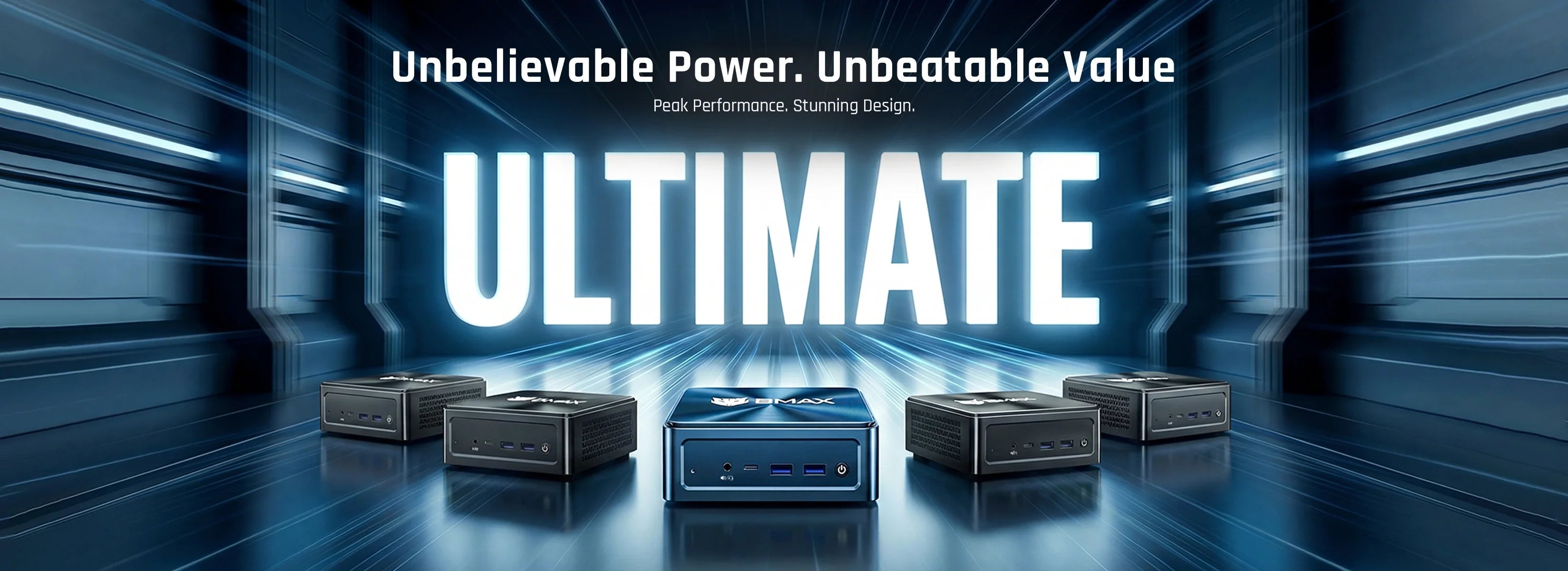
| 14B models, long context, several tools open | B12 Power — 24 GB, $749.99 | The only tier that runs 14B comfortably; 16 cores help with prompt processing. |
| 32B and above | Not a mini PC | Needs 32–64 GB of upgradeable memory — a different form factor. |
Two notes. Memory is soldered on every model here, so the decision is permanent. And if you are choosing between 16 GB and 24 GB, buy the 24 GB machine when local AI is part of the plan — it is the difference between a machine that is useful in 2029 and one that is not.
When should you not buy one?
- You need 32B or larger models. The weights alone are 20 GB; with Windows and context there is no room in 24 GB.
- You need fast generation. A mini PC is bandwidth-limited. If you need 30+ tokens per second on a 14B model, you need a discrete GPU with its own memory.
- You want to train or fine-tune. Local inference is fine; training needs VRAM and bandwidth that this form factor does not have.
- You need it to be silent under load. Sustained inference is a sustained all-core load. A quiet fan-cooled machine is audible after ten minutes; our fanless guide explains why passive cooling is not the answer either.
How do you start in 30 minutes?
- Install Ollama (command line) or LM Studio (desktop app). Both handle quantization and memory automatically.
- Download a 7B model at Q4 first. It is the fastest way to confirm the machine works before you commit to a larger download.
- Watch memory in Task Manager while it loads. If it approaches the limit, drop the context size before dropping the model.
- Use a minimal Linux install if you can — it frees about 2 GB, which is often the difference between 14B fitting and not.
- Keep the model on NVMe, not a USB drive. Loading a 9 GB model from USB is slow enough to feel like a crash.
If you want the full memory arithmetic behind these tiers, our local AI RAM guide goes deeper. If you are building a machine that also serves files and runs containers, the Linux guide covers the software side.
FAQ
Do I need an NPU to run AI locally?
No. Ollama, LM Studio and llama.cpp run on the CPU and iGPU. An NPU helps with background tasks like video effects, but it is not the main path for language models in 2026.
How much RAM do I need for a 7B model?
About 10 GB in total with Windows and context, so 12 GB is the minimum and 16 GB is comfortable. On a minimal Linux install, 8 GB can work at short context.
Can a mini PC run a 32B model?
Not properly. A 32B model at Q4 is about 20 GB of weights; with Windows and a context cache there is no room in a 24 GB machine. It may load by paging to disk, but the speed is unusable.
How many tokens per second should I expect?
Roughly memory bandwidth divided by model size, then 50–70% of that in practice. A 7B model at Q4 on a 24 GB machine is interactive; 14B is usable for drafting; 32B is not practical.
Is 16 GB enough for local AI?
For 7B and 8B models, yes. For 14B, 16 GB works but leaves almost no headroom, and you will feel it when Windows updates or a browser is open.
Does a faster CPU make AI responses faster?
Barely. Generation is limited by memory bandwidth, not compute. A faster CPU helps with prompt processing on long inputs, but not with token generation.
Can I use the iGPU to speed things up?
Yes — llama.cpp and LM Studio can offload some layers to Intel Arc or Radeon graphics. It helps, but it does not increase the memory available, so the model size ceiling stays the same.
Which BMAX mini PC is best for local AI?
The B12 Power with 24 GB for 14B models, the B11 Pro with 16 GB for 7B and 8B, and the B3 Pro with 8 GB for small 3B tasks.
Related reading
- Local AI on a mini PC: the full RAM guide for 7B–32B
- What a mini PC costs to run for a year
- What an AI PC actually is (principles, not shopping)
- The BMAX buying guide
24 GB, 16 cores, 14B models. The BMAX B12 Power is the only tier in the range that runs a 14B model at Q4 with context to spare.
Sources
- Model weight sizes: typical Q4_K_M GGUF sizes for 3B–32B parameter models; overhead assumes Windows plus 1–4 GB of KV cache.
- Bandwidth figures: DDR5-5600 dual channel ≈ 89 GB/s; LPDDR5-6400 ≈ 102 GB/s. Token estimate is bandwidth ÷ model size, an upper bound.
- Power: 12.4 W idle from published B12 Power measurements; ~80 W sustained inference modelled for a 45 W chip under load; electricity at 17.45 ¢/kWh, EIA January 2026.
- Prices and configurations: bmaxbuy.com product pages, October 2026.
All performance figures in this article are modelled upper bounds, not measurements. Actual throughput depends on the runtime, quantization format, context length and memory efficiency.