

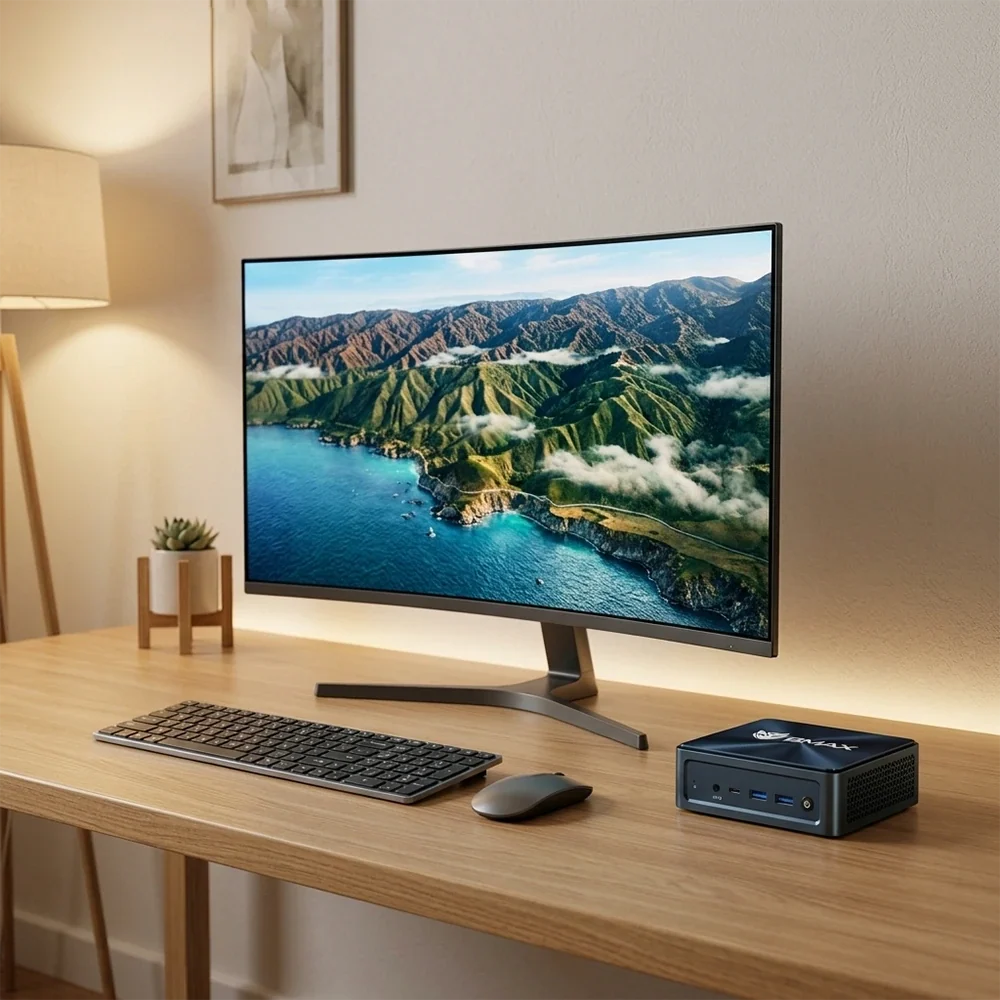
Si alguna vez has visto fotos de configuraciones tecnológicas en línea y te has preguntado, "¿Dónde diablos están todos los cables?"—No estás solo. Lograr un escritorio verdaderamente limpio y minimalista parece un truco de magia cuando tienes adaptadores de corriente, cables de monitor, adaptadores USB y torres de ordenador compitiendo por el espacio.
Las torres de ordenador tradicionales hacen que tener un escritorio ordenado sea prácticamente imposible. Requieren espacio en el suelo o en el escritorio y te obligan a lidiar con una maraña de cables negros enredados.
Sin embargo, si utilizas un ordenador compacto, ya tienes la herramienta ideal para una estética sin cables. Gracias a su reducido tamaño, puedes ocultar por completo un PC de formato micro.
Aquí tienes una clase magistral paso a paso sobre cómo ocultar tu

Paso 1: Primero, monta u oculta el ordenador.
La forma más sencilla de despejar la superficie de tu escritorio es retirar completamente el ordenador.
Porque
-
El soporte VESA: La mayoría de los modernos
Mini PC Vienen con un soporte de montaje que permite atornillar el ordenador directamente a la parte posterior del monitor. Desde el frente, la pantalla se convierte en una pantalla todo en uno limpia y flotante. -
Soportes para debajo del escritorio: Si el brazo de su monitor no admite el montaje VESA de una PC detrás de él, puede usar un soporte barato debajo del escritorio para sostener su
Mini PC Bien guardado debajo de la superficie del escritorio, manteniéndolo completamente fuera de la vista y de la mente.
(¿Busca una máquina lo suficientemente pequeña como para desaparecer por completo? Consulte las opciones ultracompactas en el

Paso 2: Utilice una bandeja organizadora de cables debajo del escritorio.
Una vez que el ordenador está oculto, los adaptadores de corriente y los cables sueltos suelen ser los siguientes en causar problemas. No permita que cuelguen sobre las patas del escritorio.
-
Instala una bandeja de malla metálica o un canal de plástico para la gestión de cables debajo del borde posterior de tu escritorio.
-
Coloca las regletas, los adaptadores de corriente sobrantes y los cargadores directamente en la bandeja.
-
Esto evita que el 100% de la potencia se transmita al suelo y se mantenga alejada de tus pies.
Paso 3: Agrupe y proteja con funda los cables visibles.
Una gestión de cables deficiente arruina incluso las mejores configuraciones de hardware. Para los pocos cables que debe permanecer visible (como la conexión entre su monitor y su PC oculta):
-
Usar fundas de cable trenzadas o bien, tubos flexibles divididos para agrupar varios cables negros en un único tubo limpio y uniforme.
-
Combina el color de las fundas de los cables con el de la pared o las patas del escritorio para que se integren perfectamente en el entorno.
-
Cambia a periféricos inalámbricos (un teclado y un ratón inalámbricos y limpios) para eliminar por completo el desorden de cables en tu escritorio.
(Para inspirarse en cómo ampliar su diseño, lea nuestra guía sobre Cómo construir una configuración de escritorio minimalista con dos monitores

Paso 4: Elija hardware que no requiera mucho espacio.
En definitiva, la forma más sencilla de mantener un escritorio ordenado es empezar por utilizar herramientas que no generen desorden desde el principio.
Si actualmente estás lidiando con una torre de escritorio enorme y ruidosa o una computadora portátil que se sobrecalienta cuando se conecta a una base, actualizar a una micro computadora de escritorio dedicada y de bajo consumo energético lo cambia todo. Máquinas como la
(Explore más consejos de optimización del espacio de trabajo en nuestra Mejor
Conclusión
Un escritorio limpio y minimalista no se trata solo de estética, sino que crea un ambiente tranquilo y libre de distracciones que te ayuda a concentrarte mejor y trabajar de manera más inteligente. Al montar tu
¿Listo para crear la configuración de escritorio más limpia y perfecta? Explora la BMAX
Preguntas frecuentes (FAQ)
P: ¿Ocultar mi
R: En general, no, siempre y cuando no presione las rejillas de entrada y salida de aire contra una superficie plana. Deje un pequeño espacio para la circulación del aire y su
P: ¿Cómo enciendo un
A: Muchos
P: ¿Cuál es la mejor manera de ocultar cables de alimentación largos?
A: Una bandeja organizadora de cables debajo del escritorio, combinada con canaletas adhesivas para la pared, es la solución ideal para enrutar y ocultar por completo los cables de alimentación largos.
P: ¿Son?
R: Sin duda.





