

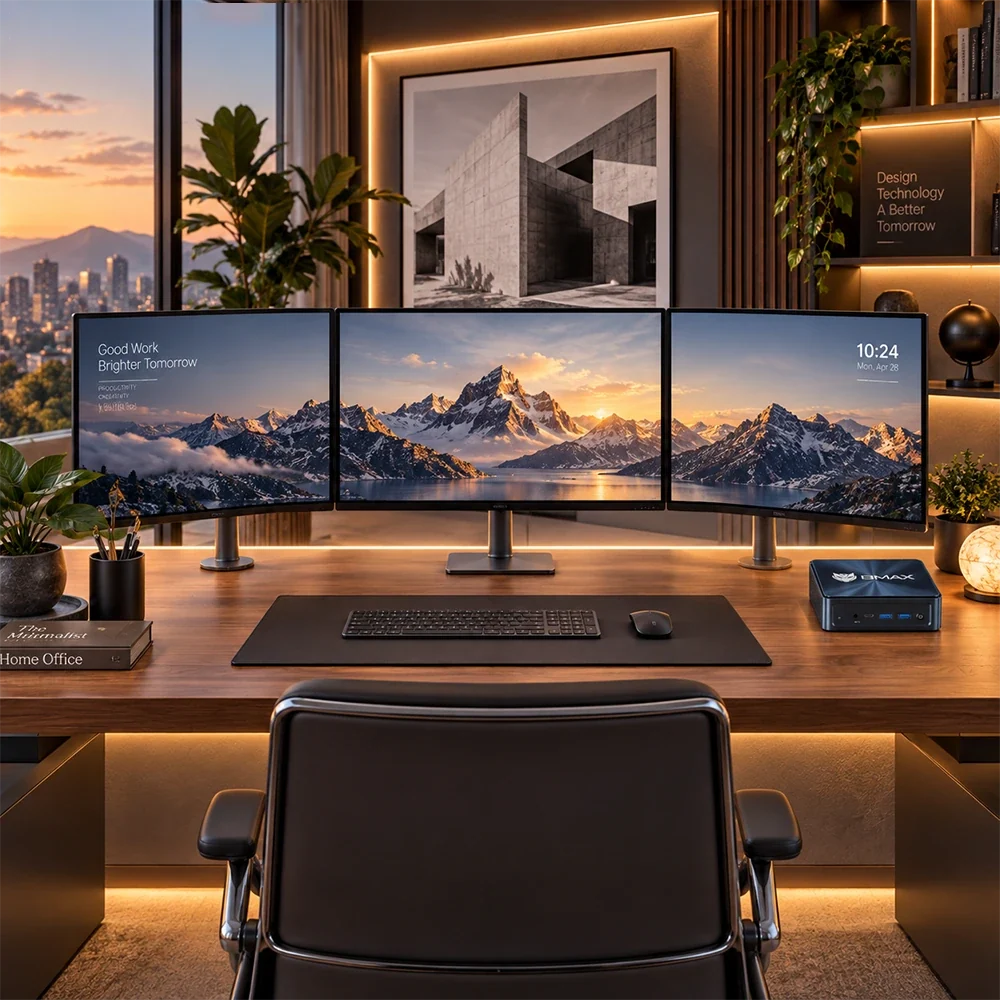
Let’s be honest: nothing kills productivity faster than a messy, chaotic desk. If your workspace is currently buried under a massive, humming desktop tower, a sprawling tangle of power cords, and a single cramped screen, it’s time for a change.
In 2026, the definition of a great workspace has shifted toward minimalism and ergonomics. People want clean surfaces, zero visual clutter, and multi-monitor setups that supercharge daily output without turning their desk into a server room.
The secret weapon to achieving this aesthetic? A Mini PC.
Because compact computers take up virtually zero desk space and can be hidden entirely out of sight, they are the ultimate foundation for a clean, dual-monitor workstation. Here is your step-by-step guide to building the ultimate minimalist desk setup using a Mini PC.

Step 1: Hide the Computer (VESA Mounting)
The golden rule of a minimalist desk setup is simple: if it doesn't need to be touched, it shouldn't take up surface space.
Traditional desktop towers force you to sacrifice valuable legroom or clutter your desk surface. A Mini PC changes the game.
-
Most quality Mini PCs come packaged with a VESA mounting bracket.
-
By attaching this bracket to the back of your primary monitor, you can mount your computer directly onto the screen.
-
Your PC becomes completely invisible from the front, turning your monitor into a powerful, pseudo "all-in-one" system while keeping your entire desk surface wide open.
(If you haven't picked your displays yet, read our guide on How to Choose the Best Monitor for a Mini PC).

Step 2: Choose Matching Dual Monitors
A dual-monitor setup instantly doubles your digital workspace, letting you handle research, writing, coding, and video calls simultaneously. However, for a minimalist look, screen consistency is key:
-
Go for Thin Bezels: Choose monitors with ultra-thin frames (frameless designs). When placed side-by-side, they create a seamless, continuous wall of pixels.
-
Match Sizes and Resolutions: Pair two identical 27-inch monitors (preferably 1440p or 4K) to maintain visual balance and prevent jarring cursor jumps between screens.
(Once your screens are bolted down, follow our technical walkthrough on How to Set Up Dual Monitors on a Windows 11 Mini PC to configure your display layout like a pro).

Step 3: Master Cable Management
Even if your computer is hidden behind a monitor, visible wires hanging down your desk will instantly ruin a minimalist aesthetic. To achieve that clean, floating look:
-
Use a Under-Desk Cable Tray: Mount a metal or plastic wire basket underneath the back of your desk. Drop your power strips and excess power bricks into the tray.
-
Opt for Wireless Peripherals: Invest in a reliable wireless mechanical keyboard and a clean wireless mouse to eliminate desk-bound cords entirely.
-
Consolidate Power: Use a single long power cable running down your desk leg (or hidden inside a braided cable sleeve) to feed electricity to your power strip.
Step 4: Add Soft, Functional Lighting
Minimalism isn't about being cold or sterile; it’s about intentional design.
-
Add a monitor light bar that clips to the top of your screen. It illuminates your keyboard and documents without casting glare on your display, while keeping desk lamps off your primary surface.
-
A small desk plant or a warm ambient light strip behind your monitors can add a touch of personality and reduce eye strain during late-night work sessions.
Conclusion
Building a clean, distraction-free workspace doesn’t require an expensive interior designer. By combining a space-saving Mini PC, matching dual monitors, and smart cable management, you can create a stunning minimalist desk setup that looks professional, feels ergonomic, and keeps you focused.
Ready to clear the clutter and build your dream workspace? Explore the BMAX Mini PC collection to find high-performance, VESA-mountable compact computers built for modern, minimalist desks.
Frequently Asked Questions (FAQ)
Q: Can a Mini PC handle a dual-monitor setup smoothly?
A: Yes! Modern Mini PCs feature multiple display outputs (such as HDMI and DisplayPort) capable of driving dual 4K or 1440p monitors effortlessly for office work, multitasking, and media creation.
Q: How do I hide my Mini PC on a desk?
A: The cleanest method is using a VESA mounting bracket to attach the Mini PC directly to the back of your monitor. Alternatively, you can use an under-desk mount to slide the computer securely beneath your desktop surface.
Q: Do I need a special monitor arm for dual monitors?
A: While you can use two separate monitor stands, a dual-monitor desk arm is much better for minimalism. It frees up your entire desk surface and lets you align both screens with absolute precision.
Q: Are Mini PCs quiet enough for a minimalist bedroom desk?
A: Absolutely. Quality Mini PCs are engineered for low acoustics, remaining whisper-quiet during daily web browsing, document writing, and streaming tasks.





