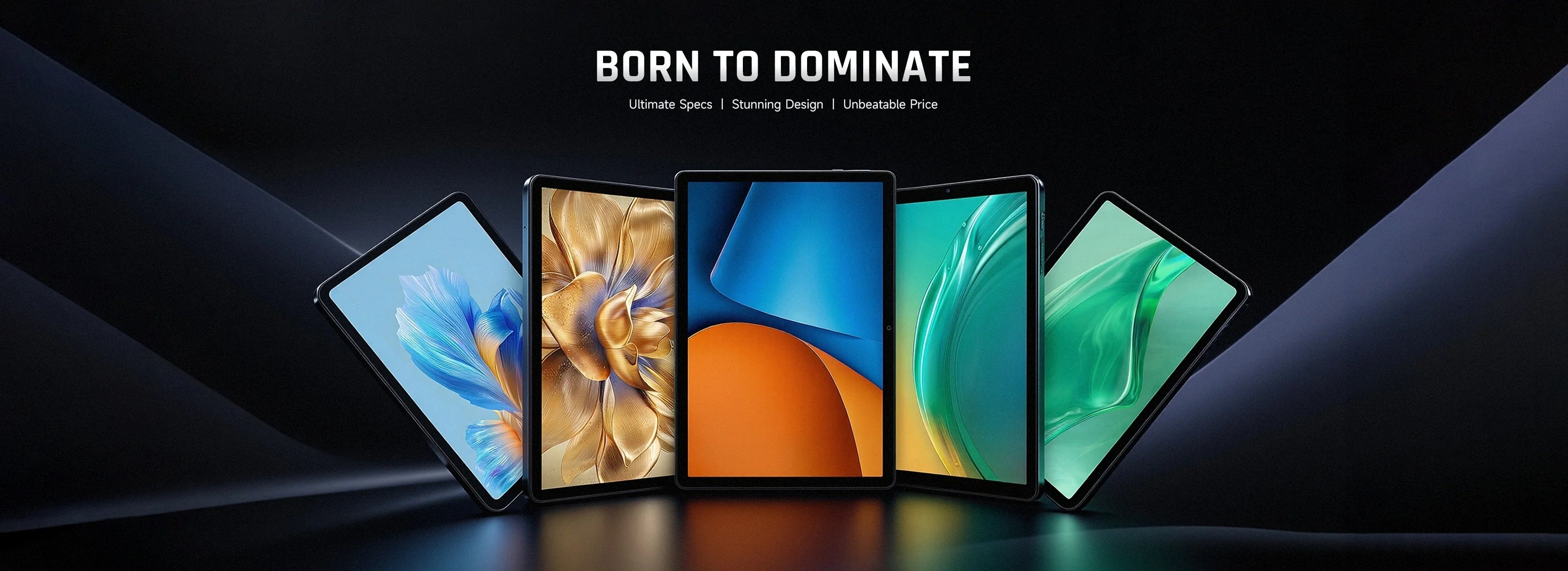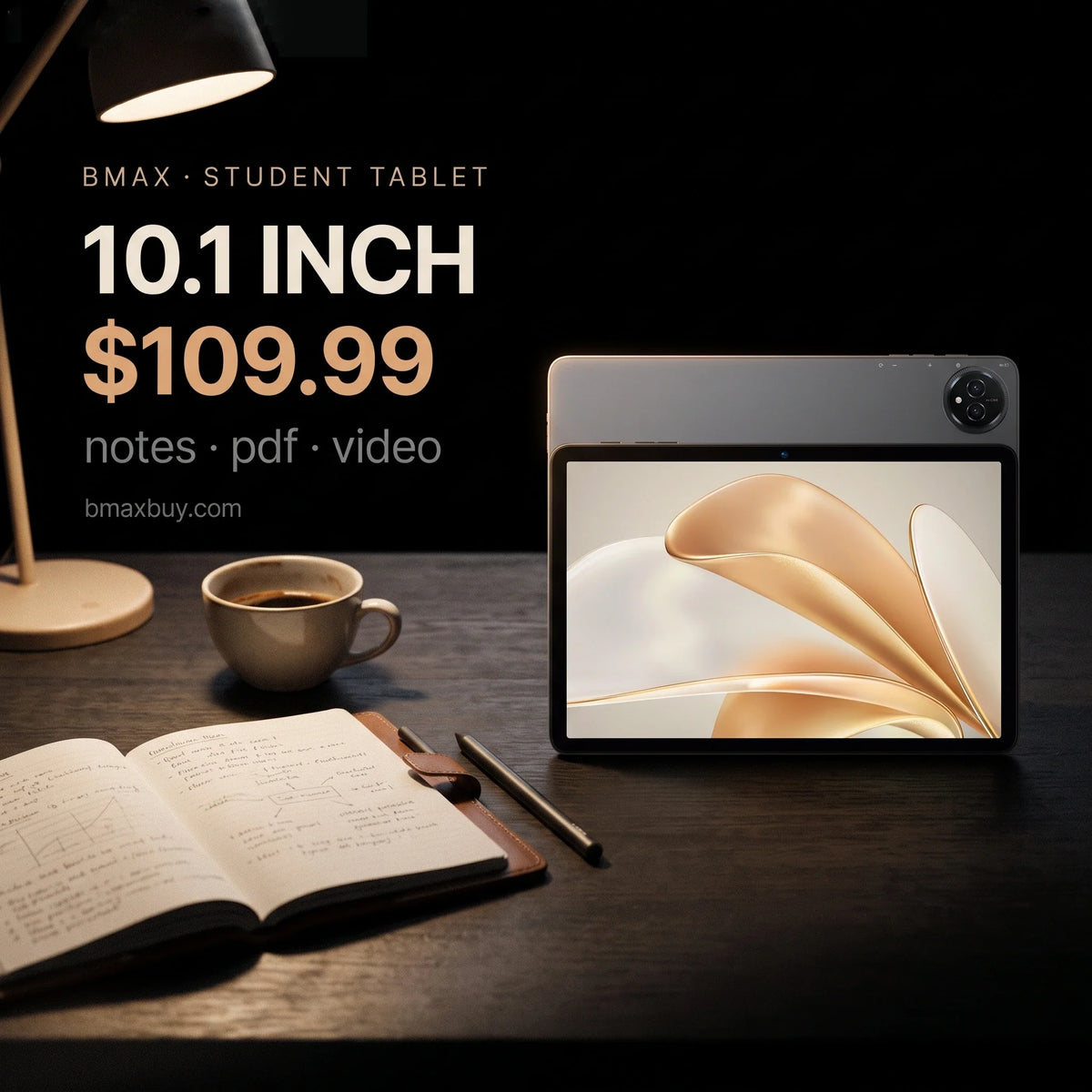
A student tablet is a reading and annotation device. It is not a laptop. Buy one for PDFs, lecture slides, handwritten notes and video. Do not buy one for essays, spreadsheets or code.
The mistake is buying a big tablet hoping it replaces a computer. A 13-inch Android tablet with a keyboard case still cannot run Word properly. It also costs more than a 10-inch model that does the real job better.
Here is what to buy for notes and reading, which size fits a lecture desk, and where the honest limits are.
Key takeaways
- 10.1 inches is the sweet spot for notes and reading. 8.7 if you carry it all day.
- Battery size scales with the screen. 6,000 mAh on a 10-inch panel lasts about as long as 10,000 mAh on a 13-inch one.
- The "24 GB RAM" figure includes virtual memory. Expect 8 GB of physical RAM.
- LTE matters on campus. Campus Wi-Fi drops in lecture halls and libraries.
- A $110 tablet plus a $220 mini PC beats one $400 laptop for most students.
What does a student tablet actually do?
| Task | What it needs | Tablet verdict |
|---|---|---|
| Reading PDFs and slides | A 10-inch screen, 8 GB RAM | Excellent |
| Handwritten notes | A stylus, palm rejection | Works, but check the stylus type |
| Typing notes in class | A keyboard case | Usable for short sessions |
| Video lectures | A decent panel, speakers | Excellent |
| Essays over 1,000 words | Desktop Word, a real keyboard | Poor |
| Excel, SPSS, CAD | Desktop software | Not possible |
Which size should you buy?
8.7 inches is a one-hand device. It fits a jacket pocket and a crowded lecture seat. The trade is a smaller page, which means more scrolling through PDFs.
10.1 inches matches an A5 notebook and still fits a small desk. This is the size most students should buy, and it is why the I10 Plus exists at $109.99.
13.3 to 13.4 inches shows a full A4 page without zooming. That matters for scanned textbooks and sheet music. It also weighs like a laptop and no longer fits a lecture-hall armrest.
What does the battery number mean?

A 6,000 mAh battery in a 10-inch tablet is not automatically worse than 10,000 mAh in a 13-inch one. The bigger panel draws more, so the capacity per inch is what matters.
At the low end that ratio is about 590 mAh per inch. At the top it is about 750. The larger models do last longer, but by roughly 20%, not 60%.
About the 24 GB label. These listings quote 24 GB of RAM, and that number includes virtual memory. Assume about 8 GB of physical RAM, which is fine for Android and for reading. Do not buy on the RAM number.
Which BMAX tablet?
| Model | Screen | Best for |
|---|---|---|
| I10 Plus — $109.99 | 10.1" | Most students. Notes, PDFs, video. 1,200 in stock. |
| I8 Plus — $109.99 | 8.7" | Carrying every day in a small bag. |
| I14 — $169.99 | 13.4" | Scanned textbooks, sheet music, split-screen reading. |
| I13 4G — $229.99 | 13.3" | Large screen plus mobile data for campus days. |
The I10 Plus is the default answer. It is the cheapest 10-inch model here, and it has the largest stock. Ten inches fits both a lecture desk and a backpack.
What can a tablet not do?
Long documents. A 1,000-word essay on an Android keyboard is slow to write and slow to edit. Word on Android also loses formatting that your tutor's template expects.
Spreadsheets. Excel on Android works for reading. It is unusable for anything with pivot tables or macros.
Course software. AutoCAD, MATLAB, SPSS and most statistics packages are Windows-only.
If a student needs those, the answer is a laptop or a mini PC, not a bigger tablet. Our guide to mini PCs for students covers the desk setup that costs about $400 complete.
What about keyboards and cases?
A keyboard case changes the tablet from a reader into a light writing tool. Budget $25 to $40 for a folio with a Bluetooth keyboard, and check that it folds to a stand angle you can type on.
Two limits show up quickly. The keys are smaller than a laptop's, and the trackpad is usually missing. For a 500-word summary that is fine. For a 3,000-word essay it is not.
Do you need LTE?
Only if you work outside campus Wi-Fi often. Lecture halls, basements and libraries have dead spots, and phone tethering drains a battery quickly.
The I12 Power at $199.99 and the I13 4G at $229.99 both include LTE. For everyone else, save the $90 and buy the Wi-Fi model.
FAQ
Is a tablet good for a student?
For reading, notes and video, yes. It is a poor replacement for a laptop when writing essays, using Excel or running course software that only exists on Windows.
What size tablet is best for note taking?
10.1 inches for most students. It matches an A5 page, fits a lecture desk and stays light enough to carry all day. 13 inches suits scanned textbooks, not note taking.
Do these tablets come with a stylus?
Check the specific listing. Most budget tablets work with a capacitive stylus, which is a rubber tip without pressure sensitivity. That is fine for highlighting, not for handwriting that looks like ink.
Is 24 GB of RAM real?
No. The figure includes virtual memory. Expect around 8 GB of physical RAM, which is enough for Android, reading and video.
Can a tablet replace a laptop for university?
Only for reading-heavy courses. Any course with essays, spreadsheets, statistics or CAD needs a desktop OS. Many students use a $110 tablet plus a $220 mini PC instead of one $400 laptop.
Which BMAX tablet should I buy?
The I10 Plus at $109.99 for most students. The I14 at $169.99 for scanned documents. The I13 4G at $229.99 if you need mobile data.
Related reading
- Best mini PC for students
- What $100, $200 and $300 actually buy
- Mini PC vs laptop
- The BMAX buying guide
$109.99, 10.1 inches, 1,200 in stock. The I10 Plus is the tablet most students should start with.
Sources
- Screen size, battery capacity and price: bmaxbuy.com product listings, November 2026.
- Capacity per inch: calculated from those listings.
- Software limits: Microsoft 365 for Android and Windows-only application requirements.
Battery life is an estimate, not a measurement. Actual endurance depends on brightness, panel type and the applications in use.