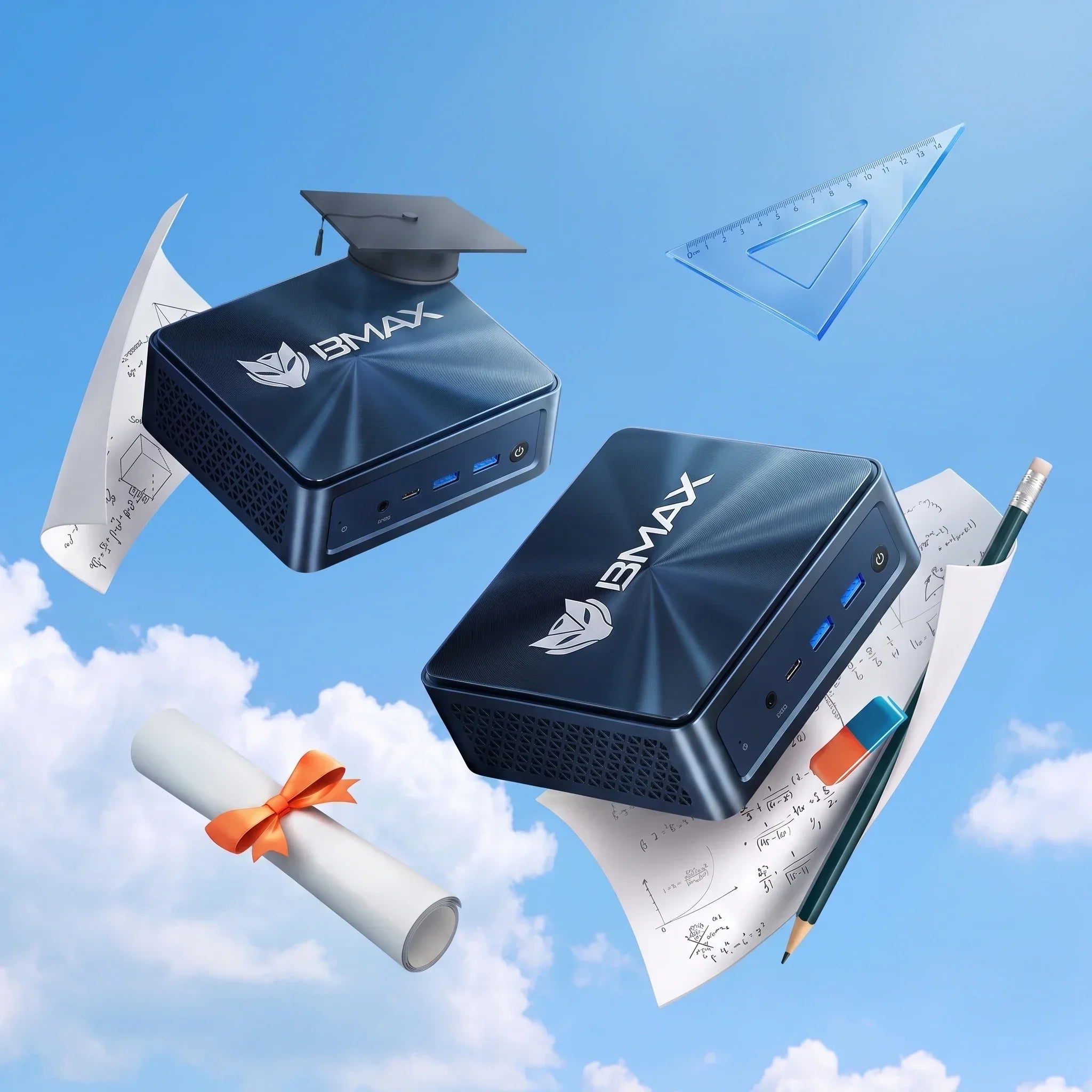
A mini PC is the best value for a student who studies in one place — a dorm or a rented room — and the wrong choice for a student who carries a computer to campus every day. The cheapest workable setup is usually a $200 desk machine plus a $150 tablet for notes, not a $600 laptop that does neither job well.
Students are the hardest group to buy for, because the requirement changes by course: an English major needs a keyboard and a screen, a computer science student needs memory and Linux, an art student needs a colour-accurate display. One device rarely covers all three.
Here is what actually matters, what four years costs, and when a laptop is genuinely the better answer.
Key takeaways
- Buy by where you study. One desk, one room → mini PC. Campus every day → laptop. Both → cheap mini PC plus a cheap tablet.
- Four-year cost: about $392 for a mini PC setup, $570 for a budget laptop, $340 for a tablet with a keyboard.
- 8 GB is enough for most courses. 16 GB is for computer science, engineering and anyone running virtual machines.
- Storage matters more than CPU. 512 GB minimum; course files and games accumulate faster than you expect.
- A mini PC is repairable. A $15 fan or $50 SSD, versus $150 for a laptop screen.
In this guide
Is a mini PC good for a student?
It depends on one question: does the computer leave the room?
If it does not, a mini PC is the best value in student computing. For the price of a low-end laptop you get a faster processor, a proper keyboard, a bigger screen, and a machine you can repair yourself. It also takes up almost no desk space, which matters in a dorm.
If it does, a mini PC is a second computer at best. You cannot take it to a lecture, a lab or a library. Most students who buy one also own a laptop or a tablet, and that is fine — the combination is still cheaper than a single good laptop.
What does a student actually need?
| Course type | Memory | Storage | Priority |
|---|---|---|---|
| Humanities, social sciences, business | 8 GB | 256–512 GB | Keyboard, screen size, quiet fan |
| Engineering, architecture (CAD) | 16–32 GB | 1 TB | RAM, sustained cooling, display outputs |
| Computer science | 16 GB | 512 GB–1 TB | RAM, Linux support, wired Ethernet |
| Media, design, video | 16–24 GB | 1 TB+ | Colour-accurate monitor, Quick Sync, storage |
| Any course + gaming | 16 GB | 1 TB | iGPU generation — not CPU |
The pattern is consistent: the CPU matters less than people think, memory decides which software runs smoothly, and storage is what runs out first. A student who buys 8 GB and 256 GB will be managing free space by the second year.
What does four years cost?

Over a four-year course the arithmetic is:
- Mini PC setup: about $392. $220 for the machine, $110 for a monitor, $35 for keyboard and mouse, $12 of electricity, and a $15 fan at some point.
- Budget laptop: about $570. $399 for the machine, roughly $92 of electricity because it draws 45 W, and $80 for a battery replacement in year three.
- Tablet with keyboard: about $340. Cheapest, and the weakest for essays and coding.
Two things drive the laptop's higher total: it draws seven times the power, and its battery is a wear item that a desktop does not have.
The catch: a mini PC needs a monitor, and a cheap monitor is the thing students most often skip. Budget $100–$130 for a 24-inch 1080p IPS panel — a bad screen will hurt more than a slower CPU, because you will stare at it for four years.
Mini PC vs laptop vs tablet

Read the matrix by column and the trade-off is obvious:
- Mini PC wins on typing, coding and screen size, and loses on everything that involves leaving the room.
- Laptop is the only single device that does every row at least adequately, which is why it is the default choice.
- Tablet wins on notes and portability, and is the worst place to write a 3,000-word essay.
If you can only buy one device and you need to move around, buy the laptop. If you study in one place, the mini PC gives you more computer per dollar — and you can add a cheap tablet for notes later.
What about dorm space and rules?
Three practical constraints that do not appear in spec sheets:
- Desk depth. A mini PC behind the monitor frees about 30 cm of desk. In a dorm room, that is the difference between a usable desk and a shelf.
- Power sockets. A mini PC plus monitor draws under 50 W together — one socket, no tripping the hall circuit when a kettle is on the same ring.
- Noise. A shared room makes fan noise antisocial. A 6–15 W machine is effectively inaudible at idle; a gaming laptop is not.
One rule worth checking: some halls restrict appliances by wattage. A mini PC is well under any limit that a kettle or a heater would hit, so this is rarely a problem.
Which BMAX for which student?
| Student | Model | Why |
|---|---|---|
| Humanities, business, first year | B3 Turbo — 8 GB, 256 GB, $219.99 | Four cores, dual M.2, quiet. Enough for essays, research and calls. |
| Computer science, engineering | B11 Pro — 16 GB, 512 GB, $459.99 | 16 GB for VMs and containers, 2.5 GbE, Linux-friendly. |
| Design, media, heavy multitasking | B12 Power — 24 GB, 1 TB, $749.99 | 24 GB and 16 cores for editing and rendering; storage to hold project files. |
| Notes, reading, lectures | MaxPad I13 — 3-in-1, $259.99 | A tablet for class and a keyboard for essays, in one device. |
For most students the right answer is the $219 B3 Turbo plus a decent monitor: total under $400, and it will last through a four-year course. Spend the saved money on the screen and a backup drive.
When is a laptop the better buy?
Buy the laptop instead if any of these are true:
- You take notes in lectures. A desktop cannot follow you.
- Your course runs labs or exams on site. Some programmes require a laptop for practicals.
- You move between home and halls every term. Packing a monitor twice a year gets old.
- You need to work in the library. The library is where essays get written.
What you give up is repairability, screen size and price per unit of performance. If you want the direct comparison, our mini PC vs laptop guide covers the rest.
FAQ
Is a mini PC good for a student?
Yes if the student studies in one place — a dorm or rented room. It is cheaper than a laptop, easier to repair, and gives a bigger screen for the money. It is the wrong choice if the computer needs to travel to campus.
Is a mini PC cheaper than a laptop for a student?
Upfront, roughly the same once you add a monitor and keyboard — about $365 against $399. Over four years it is clearly cheaper, at about $392 against $570, because of lower power draw and no battery replacement.
How much RAM does a student need?
8 GB covers essays, research and video calls. Choose 16 GB for computer science, engineering, CAD or media work, where virtual machines and large files are normal.
Can a mini PC run student software?
If it runs on Windows, yes. Most university platforms are browser-based. Check for course-specific Windows software — CAD, statistics packages, lab tools — before buying.
Do students need a monitor for a mini PC?
Yes, and it is the part people underestimate. Budget $100–$130 for a 24-inch 1080p IPS panel; a poor screen will affect you more than a slower processor.
Is a tablet enough for university?
For notes, reading and lectures, yes. For long essays, coding or spreadsheets, no — a keyboard and a proper screen matter. Many students use a tablet plus a desk machine rather than one expensive laptop.
Can a mini PC run Linux for computer science?
Yes. These are standard x86-64 machines, and Ubuntu or Debian install without special drivers. Our Linux guide covers the details.
Which BMAX is best for a student?
The B3 Turbo at $219.99 for most courses, the B11 Pro at $459.99 for computer science and engineering, and the B12 Power for media and design work.
Related reading
- Mini PC vs laptop
- What $100, $200 and $300 actually buy
- Running Linux on a mini PC
- The BMAX buying guide
Under $400 complete. The BMAX B3 Turbo plus a 24-inch monitor is the cheapest setup that lasts a four-year course.
Sources
- Power: 6 W mini PC, 10 W tablet, 45 W budget laptop under light use; electricity at 17.45 ¢/kWh, EIA January 2026.
- Repair costs: typical 2026 US parts prices, excluding labour.
- Prices and configurations: bmaxbuy.com product pages, October 2026.
Costs are planning estimates for typical US pricing. Prices exclude tax. All BMAX mini PCs referenced here use soldered memory.