

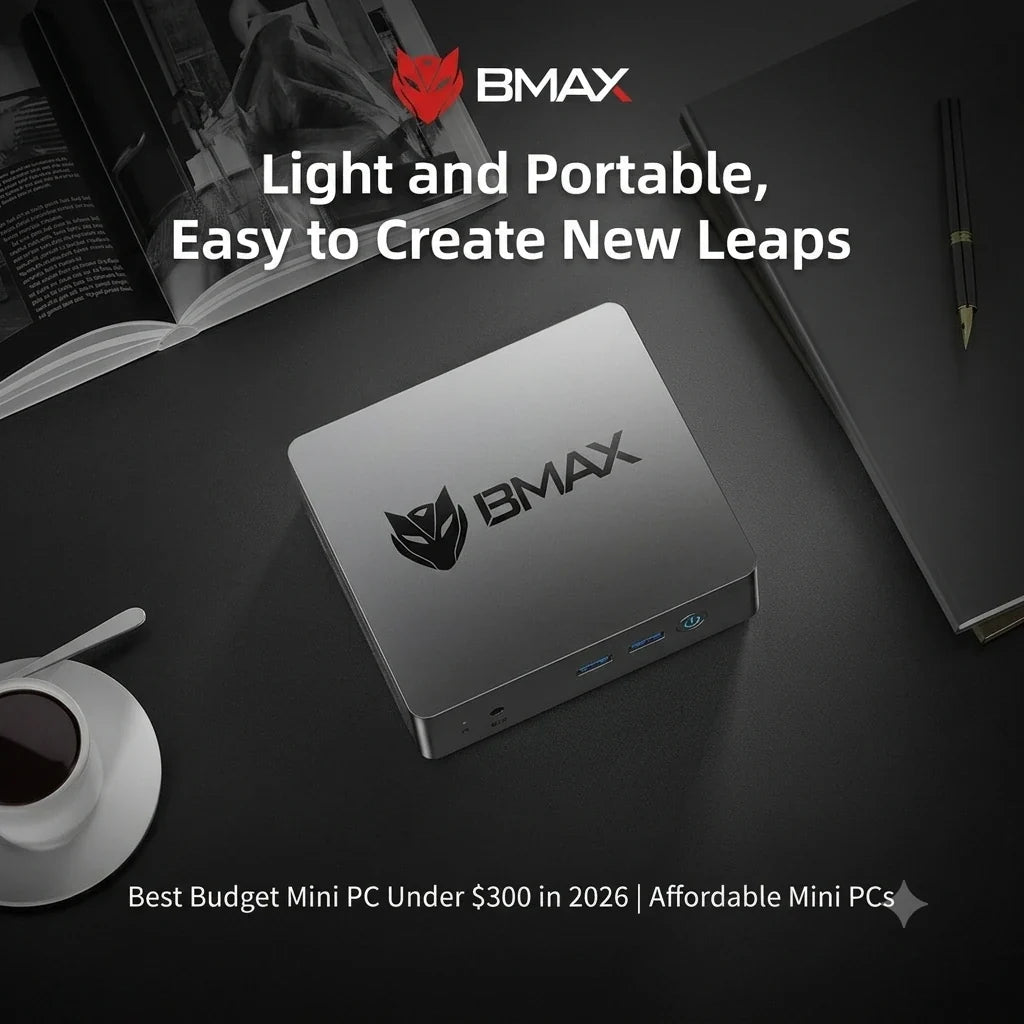
 Bästa budget Minidatorer Under 300 dollar för 2026: Prisvärda datorer för arbete, skola och hemmabruk
År 2026 blir det allt viktigare att hitta en pålitlig dator till ett överkomligt pris. Oavsett om du behöver en dator för distansarbete, onlineinlärning, hemunderhållning eller vardagliga uppgifter, kan valet av rätt enhet hjälpa dig att spara pengar samtidigt som du njuter av enastående prestanda.
För användare som letar efter en mini-dator är prisklassen under 300 dollar en av de mest populära. Jämfört med traditionella stationära datorer är mini-datorer mer kompakta, förbrukar mindre ström och erbjuder utmärkt valuta för pengarna när det gäller att möta vardagliga datorbehov.
Dagens minidatorer är inte längre begränsade till att hantera enkla uppgifter. Med kraftfulla processorer, snabba SSD-diskar och kompakt design kan dessa prisvärda minidatorer hantera kontorsprogram, onlinekurser, webbsurfning, multimediaunderhållning och en mängd olika produktivitetsuppgifter.
BMAX erbjuder prisvärda och pålitliga minidatorer utformade för att ge praktisk prestanda för studenter, familjer, yrkesverksamma och vardagsanvändare.
Vad kan en mini-dator under 300 dollar erbjuda?

Om den är korrekt konfigurerad kan en mini-dator till ett pris under 300 dollar erbjuda exceptionellt värde för pengarna.
För den genomsnittliga användaren är en prisvärd mini-dator mer än kapabel att hantera många vanliga uppgifter, inklusive:
- Webbsurfning
- Microsoft Office-program
- Online-inlärning
- Videokonferenser
- Streamingunderhållning
- Dokumentredigering
- Grundläggande programmering
Men alla budgetvänliga minidatorer erbjuder inte samma upplevelse. Innan de gör ett köp bör användare vara uppmärksamma på flera viktiga hårdvaruspecifikationer, inklusive processor, minne, lagringskapacitet och anslutningsmöjligheter.
En kompakt dator med välbalanserad prestanda ger smidigare drift och en bättre användarupplevelse på lång sikt.
Viktiga funktioner att leta efter när du väljer en budgetvänlig mini-dator
Processor: Grunden för prestanda
Processorn är en av de viktigaste komponenterna i vilken dator som helst.
En kapabel processor hjälper användare att:
- Öppna applikationer snabbare
- Växla smidigt mellan uppgifter
- Hantera dagliga arbetsbelastningar effektivt
När det gäller budgetvänliga minidatorer är det avgörande att välja en processor som hittar rätt balans mellan prestanda och energieffektivitet.
En dator utrustad med rätt processor ger en smidig upplevelse för arbete, onlineinlärning, webbsurfning och underhållning – allt utan onödiga kostnader.
RAM: Välj 8 GB eller 16 GB?

Minne avgör hur många applikationer som kan köras effektivt samtidigt.
För grundläggande uppgifter som:
- Webbsurfning
- Onlinekurser
- Dokumentredigering
- E-post
8 GB RAM räcker vanligtvis.
För användare som behöver:
- Multitasking
- Programmering
- Kreativa applikationer
- Långvarig användning
16 GB RAM ger en smidigare upplevelse.
Att välja tillräckligt med minne hjälper till att förhindra långsam prestanda när du kör flera program samtidigt time.Learn mer om att välja rätt minneskonfiguration i vår guide: Hur mycket RAM-minne behöver du för en mini-dator?
Lagring: Varför SSD är viktigt
Lagringshastighet har en betydande inverkan på den dagliga datoranvändningen.
Jämfört med traditionella hårddiskar erbjuder SSD-lagring:
- Snabbare uppstartstider
- Snabbare laddning av applikationer
- Snabbare filöverföringar
- Bättre övergripande respons
För moderna användare ger en SSD-utrustad mini-dator en mycket smidigare upplevelse för arbete, studier och underhållning.
Vem borde överväga att köpa en prisvärd mini-dator för under 300 dollar?
Studenter

En budgetmini-dator är ett utmärkt val för studenter som behöver en prisvärd dator för:
- Onlinekurser
- Läxa
- Forskning
- Office-applikationer
- Lärande programmering
Den är kompakt i storlek, vilket gör den idealisk för sovrum, studentrum och små studieutrymmen.
Användare av hemmakontoret

Med ökningen av distansarbete behöver många användare en pålitlig dator för att arbeta hemifrån.
En mini-dator under 300 dollar kan stödja:
- Videomöten
- Dokument
- Kalkylblad
- E-postkommunikation
- Dagliga affärsuppgifter
Dess kompakta design bidrar till att skapa en renare och mer organiserad arbetsmiljö.
Familjer och hemunderhållning
En mini-PC kan också fungera som en praktisk hemdator.
Familjer kan använda den för:
- Tittar på videor
- Strömmande innehåll
- Surfa på webbplatser
- Hantera personliga filer
- Dagliga digitala aktiviteter
Dess låga strömförbrukning gör den idealisk för långvarig hemmabruk.
BMAX Budget Mini-datorer med bästa värde under 300 dollar
BMAX B1 Plus Mini PC — Bästa prisvärda valet

De BMAX B1 Plus Mini-dator är utformad för användare som behöver en prisvärd och pålitlig dator för att hantera vardagliga uppgifter.
Den är lämplig för:
- Online-inlärning
- Webbsurfning
- Office-applikationer
- Hemmabruk
- Grundläggande produktivitet
Tack vare sin kompakta design, BMAX B1 Plus mini-dator passar enkelt in i små arbetsytor, sovrum och studierum.
BMAX B6 Plus Mini PC — Bästa valet av prestanda och prisvärdhet

För användare som behöver bättre prestanda, BMAX B6 Plus mini-dator skapar en bättre balans mellan hastighet, effektivitet och värde.
Den är lämplig för:
- Multitasking
- Produktivitet på kontoret
- Programmeringsinlärning
- Professionell daglig användning
För användare som söker bättre prestanda samtidigt som de bibehåller utmärkt värde för priset är B6 Plus ett utmärkt val.
BMAX B11 Pro Mini PC – Ett högpresterande uppgraderingsalternativ

För användare som behöver kraftfullare prestanda, BMAX B11 Pro mini-dator levererar en exceptionell datorupplevelse.
Den är lämplig för:
- Avancerad produktivitet
- Programmering
- Kreativa applikationer
- Professionella arbetsbelastningar
För användare som behöver högre prestanda och längre användbarhet erbjuder BMAX B11 Pro en uppgraderad datorupplevelse utöver instegsmodellerna för mini-datorer.
Minidatorer under 300 dollar jämfört med traditionella stationära datorer
Mini-datorer och traditionella stationära datorer har alla sina egna fördelar.
| Särdrag | Mini-PC | Stationär dator |
|---|---|---|
| Pris | Prisvärd | Vanligtvis högre |
| Storlek | Kompakt | Stor |
| Energiförbrukning | Lägre | Högre |
| Skrivbordsutrymme | Excellent | Kräver mer utrymme |
| Uppgraderingsalternativ | Begränsad | Mer flexibel |
| Daglig produktivitet | Excellent | Excellent |
För de flesta hemanvändare, studenter och kontorsanställda erbjuder minidatorer inte bara tillräcklig prestanda utan sparar också utrymme och minskar energiförbrukningen mer effektivt.
För användare som behöver maximal hårdvaruanpassning eller prestanda i toppklass är traditionella stationära datorer fortfarande ett bra val.
Varför välja BMAX Budget Mini PC?
BMAX strävar efter att skapa prisvärda och pålitliga digitala produkter, inklusive minidatorer, bärbara datorer och surfplattor, speciellt utformade för studenter, yrkesverksamma och vardagsanvändare runt om i världen.
För att möta en mängd olika datorbehov erbjuder BMAX flexibla lösningar:
Minidatorer: Perfekt för användare som behöver prestandan hos en kompakt stationär dator för att möta sina behov av arbete, studier, underhållning och produktivitet.
Bärbara datorer: Perfekt för studenter, yrkesverksamma och mobila användare som behöver en bärbar datorlösning för att arbeta, studera och lära sig var de än är.
Tabletter: Utformad för användare som behöver en lätt och tunn enhet för läsning, onlinekurser, underhållning och vardagsbruk.
Oavsett om du behöver en kompakt stationär dator eller en bärbar enhet, erbjuder BMAX pålitliga tekniklösningar för den moderna digitala livsstilen.
Överkomliga priser, utan att kompromissa med prestandan
BMAX Mini PC-serien är utformad för att leverera praktisk prestanda till ett mycket konkurrenskraftigt pris.
Genom att kombinera högeffektiv hårdvara, kompakt design och pålitlig kvalitetskontroll hjälper BMAX användare att få pålitliga datorlösningar till ett rimligt pris.
Pålitlig kvalitet
Varje BMAX-enhet genomgår rigorösa kvalitetstester före leverans för att säkerställa stabil prestanda och tillförlitlig drift.
Oavsett om det är för studenter, hemanvändare, yrkesverksamma eller familjer, är BMAX-produkter utformade för att möta verkliga datorbehov.
Specialerbjudande för skolstart 2026
För elever och familjer som förbereder sig inför det nya läsåret är en pålitlig dator en viktig investering.
Under skolstartssäsongen 2026 erbjuder BMAX specialerbjudanden på utvalda mini-datorer för att hjälpa användare att få pålitliga produkter till mer överkomliga priser.
Oavsett om du behöver en dator för onlineinlärning, läxor, distansarbete eller för att tillgodose dina dagliga arbetsbehov, erbjuder BMAX prisvärda lösningar som är speciellt utformade för moderna datorbehov.
Börja det nya läsåret med smartare teknik.
Välj BMAX för prisvärda och pålitliga minidatorer.
Vanliga frågor
Är en mini-dator under 300 dollar värd att köpa år 2026?
Ja. En minidator till ett pris under 300 dollar kan hantera många vardagliga uppgifter, inklusive kontorsarbete, onlineinlärning, webbsurfning, streaming och allmänna produktivitetsförbättringar.
Vilken är den bästa budgetmini-datorn under 300 dollar?
Det bästa valet beror på dina behov.Minidatorn BMAX B1 Plus passar för vanliga användare, medan modeller som BMAX B6 Plus erbjuder starkare prestanda och är bättre lämpade för multitasking och ökad produktivitet.
Kan en mini-dator ersätta en stationär dator?
För de flesta användare, ja. Moderna minidatorer kan ersätta traditionella stationära datorer för vardagliga uppgifter, samtidigt som de sparar utrymme och minskar energiförbrukningen.
Hur länge kan en budgetmini-dator hålla?
En högkvalitativ mini-dator med välbalanserade hårdvaruspecifikationer kan ge pålitlig prestanda för vardaglig datoranvändning i flera år.




