Skip to content
🚀 Ships within 72h (Tax Included) | 🛡️ 1-Year Warranty | 🔄 30-Day Returns | 🛠️ Lifetime Tech Support | 🔥Back to School: Up to 20% OFF! 【CODE: BMAXSCHOOL】
BMAX B1 Plus Mini PC - Intel Celeron J3355 Windows 11 Compact PC - A+ Image 1 BMAX B1 Plus Mini PC - Intel Celeron J3355 Windows 11 Compact PC - A+ Image 2 BMAX B1 Plus Mini PC - Intel Celeron J3355 Windows 11 Compact PC - A+ Image 3 BMAX B1 Plus Mini PC - Intel Celeron J3355 Windows 11 Compact PC - A+ Image 4 BMAX B1 Plus Mini PC - Intel Celeron J3355 Windows 11 Compact PC - A+ Image 5 BMAX B1 Plus Mini PC - Intel Celeron J3355 Windows 11 Compact PC - A+ Image 6 BMAX B1 Plus Mini PC - Intel Celeron J3355 Windows 11 Compact PC - A+ Image 7 BMAX B1 Plus Mini PC - Intel Celeron J3355 Windows 11 Compact PC - A+ Image 8 BMAX B1 Plus Mini PC - Intel Celeron J3355 Windows 11 Compact PC - A+ Image 9 BMAX B1 Plus Mini PC - Intel Celeron J3355 Windows 11 Compact PC - A+ Image 10

SPECIFICATIONS

Model
MaxMini B1 Plus
Processor
Intel Celeron Processor J3355
Frequency
Base Frequency: 2.0GHz / Burst Frequency: 2.5GHz
Number of Cores & Number of Threads
2 Cores;2 Threads
Graphics
Intel HD Graphics 500
Memory
6GB
Storage
128GB
Expandable storage
M.2_2280_SATA(AHCI) x1+M.2_2280_PCI-e(NVMe)x1
LAN
1000Mbps Ethernet ×1
WiFi
WiFi 5
Bluetooth
Bluetooth 5.0
USB
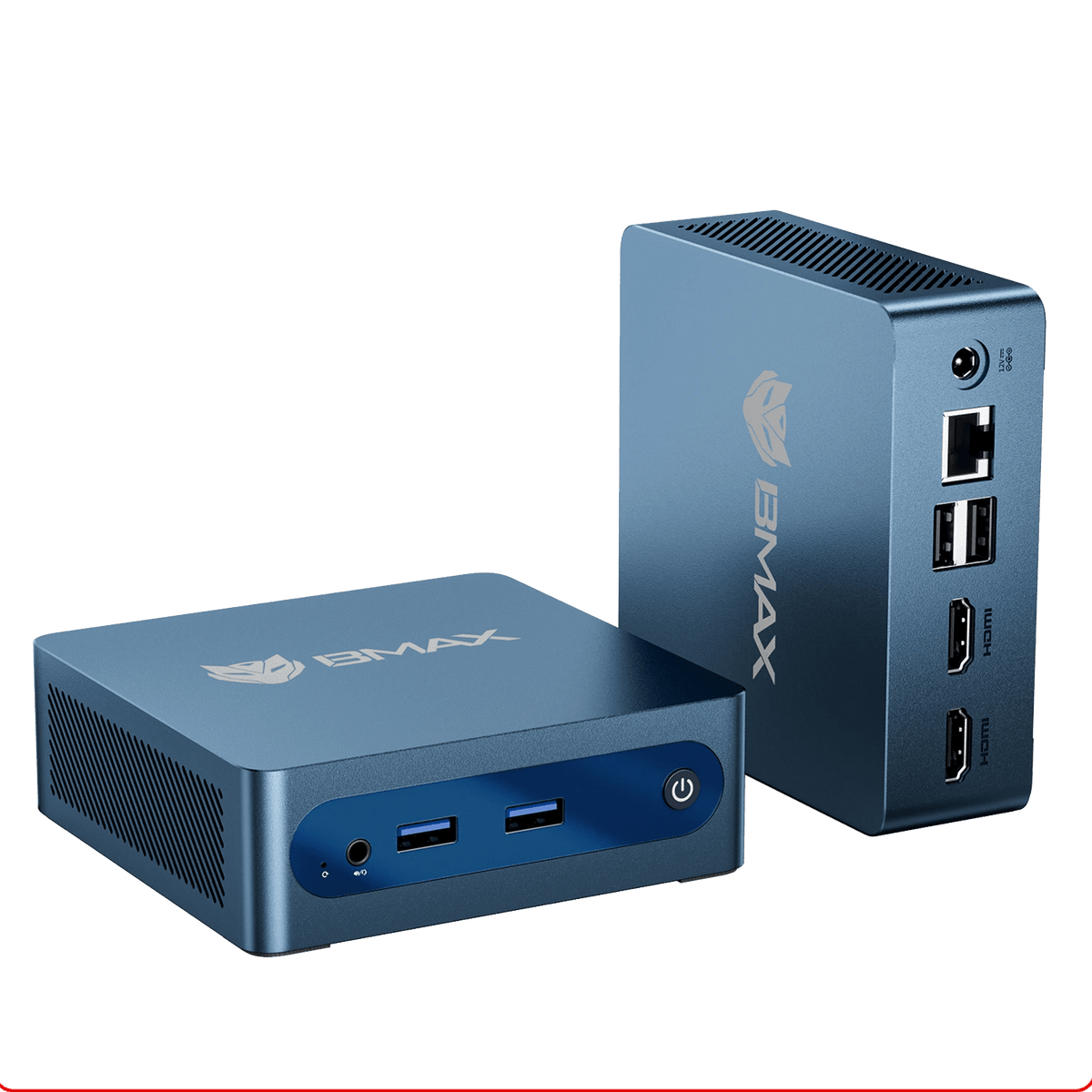
USB 3.0 ×2、USB 2.0 ×2
Other ports
DC12V/2A, 3.5-mm Stereo Headset Jack x 1, HDMI 1.4×2, RJ45 ×1
Item Dimensions
108mm(L)×105mm(W)×36mm(H)(Due to product configuration and manufacturing process, the actual body size may vary, please refer to the actual product.)
Item Weight
Approximately 223g

FAQ

Is BMAX B1 Plus suitable for home office and daily use?
Yes. BMAX B1 Plus is designed for everyday computing tasks, including office work, web browsing, online learning, video streaming, and basic business applications.
What can I use BMAX B1 Plus for?
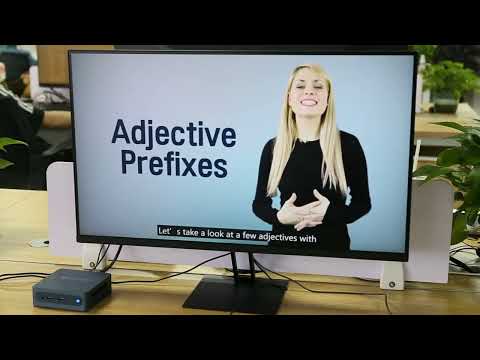
BMAX B1 Plus is suitable for document editing, online meetings, internet browsing, multimedia entertainment, and other daily computing needs.
Is BMAX B1 Plus suitable for students?
Yes. With its compact design and efficient performance, BMAX B1 Plus is a practical choice for online classes, homework, research, and everyday learning. System & Compatibility FAQ
Which operating system does BMAX B1 Plus support?
BMAX B1 Plus supports Windows operating systems and compatible Linux systems, providing flexibility for different usage needs.
Does BMAX B1 Plus come with Windows pre-installed?
Yes. BMAX B1 Plus comes with Windows 11 Home pre-installed and is ready for setup after unboxing.
Does BMAX B1 Plus support Linux?
Yes. BMAX B1 Plus supports compatible Linux distributions for users who prefer alternative operating systems. Connectivity FAQ
Can BMAX B1 Plus connect to multiple displays?
Yes. BMAX B1 Plus supports dual display connections through its HDMI interfaces, helping improve productivity and multitasking efficiency.
What devices can I connect to BMAX B1 Plus?
BMAX B1 Plus supports common peripherals such as monitors, keyboards, mice, external storage devices, and other compatible accessories. Design & Usage FAQ
Is BMAX B1 Plus easy to set up?
Yes. BMAX B1 Plus features a compact design and comes with essential accessories, making it easy to install and use in home, office, or learning environments.
Can BMAX B1 Plus save desk space?
Yes. Its compact mini PC design allows flexible placement on desks, shelves, or other small workspaces. Support FAQ
What is included with BMAX B1 Plus?
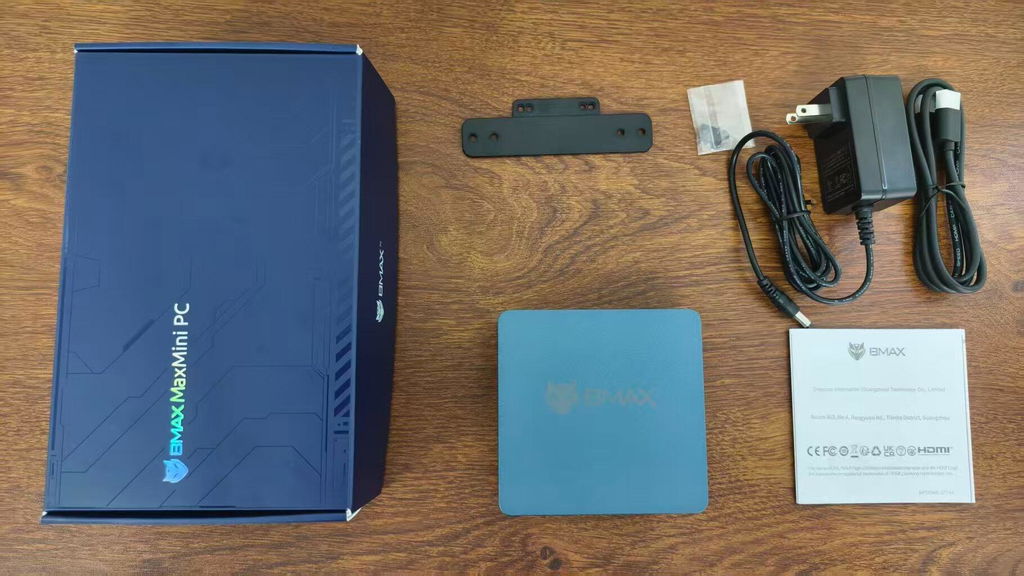
The package includes the BMAX B1 Plus mini PC, HDMI cable, mounting bracket, power adapter, and user guide.
What warranty and support does BMAX provide?
BMAX provides product warranty service and technical support to help customers with product setup, usage, and troubleshooting.