

Most answers to "how long does a mini PC last" are a number with no reasoning behind it. Five to seven years, someone says. Another person has one from 2015 still running.
Both are true, because a mini PC has three separate clocks, and the shortest one decides. Here is the realistic answer, the parts that actually fail, and the point where replacing costs less than keeping.
The short version: a mini PC used eight hours a day typically lasts 6–10 years, and the first thing to fail is usually the fan, not the processor. A machine running 24/7 as a server has a shorter window — roughly 4–6 years before the fan or the power brick needs attention — and an older machine may be retired by Windows support long before any of that.
Key takeaways
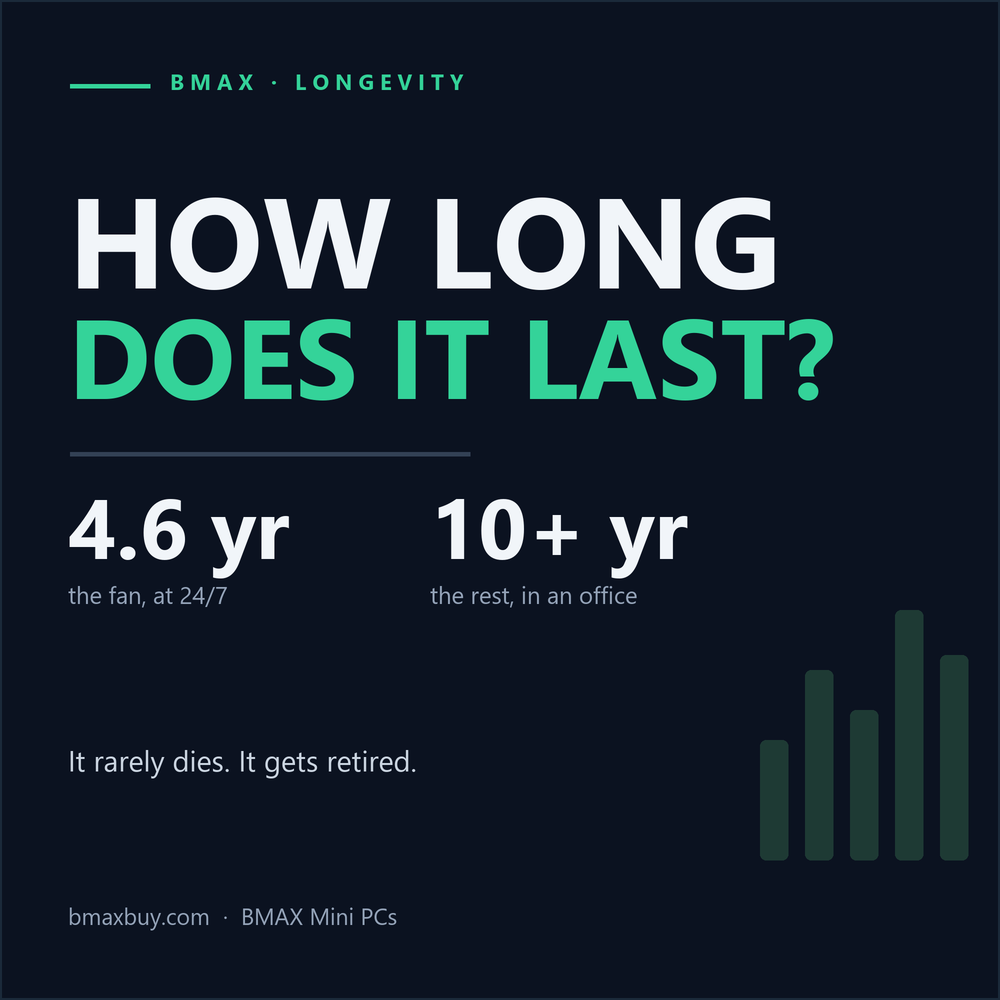
- A cooling fan rated for 40,000 hours lasts 4.6 years at 24/7, or about 14 years at eight hours a day.
- An SSD rated at 600 TBW survives 16+ years at 100 GB of writes a day. SSDs rarely die of wear — controllers fail.
- Windows 11 officially supports 2017-and-newer CPUs. Anything older is retired by software, not hardware.
- Keeping a $459.99 mini PC for seven years costs $66 a year; for three years, $153.
- Three of the four most common failures are cheap to fix. The expensive one is the motherboard.
In this guide
Three clocks, one lifespan
When people ask how long a computer lasts, they usually mean one of three different things:
- The hardware clock. How long until a component fails — a fan bearing, a capacitor, an SSD controller.
- The software clock. How long the operating system and security updates support it. This is the one that ends most machines.
- The economic clock. How long before a newer machine is cheaper per year of use, or fast enough to justify replacing.
In practice, the hardware clock is usually the longest of the three. That surprises people, because hardware failure is the thing they worry about.
What actually wears out

A mini PC has exactly one moving part: the fan. Everything else is solid state. That is why the fan is the component with a predictable end date.
Small fans are typically rated for 30,000–70,000 hours at 40 °C — an L10 figure, meaning 10% of units are expected to fail by then. At 40,000 hours that is 4.6 years of continuous running, or about 13.7 years at eight hours a day. In an always-on server, the fan is the first consumable.
The SSD is the opposite story. A 1TB drive rated at 600 TBW would take 16 years to wear out at 100 GB of writes per day. Realistically, SSDs die from controller faults, firmware bugs or power events long before the NAND is exhausted. That is why backup habits matter more than endurance ratings.
Capacitors are the slow clock. A 105 °C-rated electrolytic capacitor running at 55 °C can last well over a decade, because every 10 °C drop roughly doubles its life. Heat is the variable you control.
The practical takeaway: if your mini PC runs 24/7, budget for a fan replacement around year five. It is a $10–$20 part and twenty minutes of work. If it runs eight hours a day, you will probably replace the machine for other reasons before the fan matters.
The failure table
| Part | Typical symptom | Fix | Cost |
|---|---|---|---|
| Cooling fan | Rattling, grinding, or a fan that runs at full speed from boot; rising temperatures at idle | Replace the fan or the whole heatsink assembly | $10–$25 |
| SSD | Random freezes, boot loops, SMART warnings, files disappearing | Clone to a new M.2 drive | $60–$100 for 1TB |
| Power brick | Won't power on, or shuts down under load; brick is hot or buzzing | Replace the 19V adapter | $20–$35 |
| Thermal paste | Idle temperatures 10–15 °C higher than when new; fan louder than it used to be | Re-paste the CPU | $8 |
| Motherboard / soldered RAM | No POST, dead USB ports, memory errors | Not economically repairable on most mini PCs | Replace the machine |
Costs are typical 2026 US street prices for parts, not service labour. Figures are indicative; check your model's teardown before buying.
Three of the five are cheap. The one that ends a mini PC's life is the last one — and that is also the one you cannot prevent, only postpone by keeping the machine cool and stable.
For context on how rare failure actually is: Backblaze's 2025 fleet report covered 344,196 hard drives and recorded an annualised failure rate of 1.36% — about one drive in 74 per year, in a data centre running them hard. Consumer SSDs in light use are in a similar range. Failure is real, but it is not the normal way a computer ends.
The Windows cliff

This is the clock that retires most mini PCs, and almost nobody factors it in at purchase.
Windows 11 officially supports Intel 8th-generation Core and AMD Ryzen 2000 processors and newer, plus TPM 2.0. That means a mini PC from 2016 or early 2017 is already outside the supported list, even if it boots and runs perfectly. Windows 10 reached end of support on 14 October 2025, so those machines no longer receive security updates on their original OS.
In practice, a mini PC bought today has a supported Windows life of roughly eight to ten years, because the CPU generation will stay on the list for a long time. A mini PC bought in 2019 has maybe four or five years left on that clock.
Two honest caveats. Machines outside the list can run Linux, ChromeOS Flex, or an unsupported Windows install — that is a legitimate second life, especially for a server. And "unsupported" does not mean "stops working"; it means no guaranteed patches.
Cost per year

This is the simplest longevity argument there is. A $459.99 mini PC costs:
- $153 a year if you replace it every three years
- $92 a year over five years
- $66 a year over seven years
- $46 a year over ten years
Electricity barely moves this. At US average rates, a B11 Pro adds roughly $11 a year, so even the ten-year figure stays under $60.
The catch is that the last years are the ones where a $20 fan or a $70 SSD might be needed, and where the machine no longer runs the newest software well. A realistic plan is five to seven years: long enough to get the cost per year down, short enough to skip the awkward end-of-life period.
What kills them early
Most premature deaths are environmental, not manufacturing defects:
- Heat. A mini PC inside a closed cabinet, under a monitor stand, or against a wall runs 5–10 °C hotter. Capacitor and fan life both fall with temperature.
- Dust. A clogged heatsink makes the fan run faster, which wears the bearing sooner and raises temperatures further.
- Cheap power. Unstable mains, frequent outages and a $10 no-name adapter are a common cause of "it just died" reports. A small UPS is cheap insurance for a machine holding your files.
- Vibration and movement. A mini PC rattling on a desk or swinging on a VESA mount puts load on fan bearings and connectors.
- Running 24/7 at full load. A server that transcodes constantly ages its fan and SSD far faster than one that idles.
How to make it last
- Clean it every 6–12 months. Compressed air through the intake and exhaust, with the fan held still so it does not spin backwards.
- Keep it out of enclosed spaces. Two centimetres of clearance on every vent side is the minimum; more is better.
- Re-paste the CPU at year four or five if temperatures have crept up. It is an $8 tube and half an hour.
- Leave 20–25% of the SSD free. Full drives write more aggressively and wear faster.
- Use a UPS if the machine holds data you care about. Power events are a leading cause of SSD controller failures.
- Set a sane fan curve. A fan that ramps early runs cooler and lasts longer than one saved for emergencies.
- Back up. The single best longevity strategy is making failure boring.
Repair or replace?
| Situation | Verdict | Why |
|---|---|---|
| Fan noisy, everything else fine | Repair | $10–$25 and the machine is good for years. |
| SSD failing, data recoverable | Repair | A new 1TB M.2 is cheaper than a new PC, and you keep the CPU. |
| Brick dead | Repair | A replacement 19V adapter is $20–$35. Match voltage and connector polarity exactly. |
| Out of Windows 11 support, still fast enough | Repurpose | Linux, Proxmox, a NAS, or a media box. The hardware is fine; the OS is the problem. |
| Motherboard or soldered RAM failed | Replace | Board-level repair rarely makes economic sense on a compact machine. |
| Still working, but too slow for your work | Replace | That is the economic clock, not a failure. See cost per year above. |
Buying for longevity
If a long life matters to you, three specs matter more than the benchmark score:
- Replaceable storage. An M.2 slot you can access means a failing drive is a $70 fix, not a new computer. The BMAX B12 Power has an M.2 2280 slot plus a 2.5-inch bay; the B11 Pro takes a standard M.2 drive.
- Headroom, not maximum. A 15W chip in a chassis designed for it runs cooler and lasts longer than a 45W chip pushed to its limit. If you do not need the cores, the cooler machine wins.
- A boring, low idle draw. Machines that idle at 6–10 W produce less heat, which is the single biggest factor in long-term reliability. Our power consumption test covers which platforms idle lowest.
For an always-on server, the BMAX B3 Pro is the sensible pick: N-series silicon, around 6 W idle, and nothing inside that runs hot. For a workstation that has to last, the B12 Power's replaceable storage is the feature that matters at year five.
If you are still choosing a machine, the mini PC buying guide covers the rest, and our noise and cooling guide explains why a quiet fan is usually a cool one.
FAQ
How long does a mini PC last?
Six to ten years for a machine used eight hours a day, with the fan usually the first part to need replacement. Always-on servers typically need a fan or power brick around year four to six. The processor and motherboard rarely fail first.
What usually fails first in a mini PC?
The cooling fan. It is the only moving part, and small fans are typically rated for 30,000–70,000 hours. In an always-on machine that is four to eight years; in an office machine it can be well over a decade.
Do mini PCs overheat and die early?
Not if they are ventilated. Heat is the main accelerant of failure, and most premature deaths involve a closed cabinet, a dust-clogged heatsink, or a machine left at full load for years. Keep the vents clear and clean it once a year.
Is it worth repairing a mini PC?
Usually yes for a fan, SSD or power adapter — those are $10–$100 parts and the rest of the machine is unaffected. It is rarely worth repairing a failed motherboard or soldered memory.
Can I keep using a mini PC after Windows 11 support ends?
Yes, with caveats. You can run Linux, Proxmox or ChromeOS Flex, or keep it as a NAS or media box. What you lose is guaranteed security updates on Windows, which matters if the machine is exposed to the internet.
Does running a mini PC 24/7 shorten its life?
It shortens the life of the moving parts — mainly the fan — and any component that runs hot. The electronics themselves are usually fine; data-centre machines run for years continuously. Budget for a fan replacement around year five.
Should I replace the thermal paste?
If idle temperatures are 10–15 °C higher than when the machine was new, yes. Otherwise it is optional maintenance, not a requirement. Use a non-conductive paste and be careful with the fan connector.
How long will a BMAX mini PC last?
The same as any mini PC with comparable components: roughly six to ten years of daily use. Models with replaceable M.2 storage, like the B12 Power, are easier and cheaper to keep running when a drive eventually fails.
The bottom line
A mini PC does not usually die. It gets retired — by a $15 fan that nobody replaced, by a motherboard failure that is not worth fixing, or by a Windows requirement that arrived eight years after purchase.
That is good news for buyers. The hardware is the durable part. Keep it ventilated, clean it once a year, spend $20 on a fan at year five, and a $460 machine comfortably delivers seven years at $66 a year.
The mistake is not buying a machine that wears out. It is replacing one that has not.
Built to be kept. The BMAX B12 Power pairs a 16-core Core Ultra 9 with replaceable M.2 storage and a 2.5-inch bay — so year five is a $70 fix, not a new computer.
Sources
- Windows 11 processor requirements and TPM 2.0: Microsoft, Windows 11 specifications.
- Windows 10 end of support, 14 October 2025: Microsoft.
- Drive failure rates: Backblaze Drive Stats for 2025 — 344,196 drives, 1.36% annualised failure rate.
- Component life figures derived from typical ratings: fan L10 bearing life (30,000–70,000 h), SSD TBW endurance (600 TBW per 1TB), electrolytic capacitor temperature derating (105 °C rating, 10 °C doubling rule).
- BMAX B11 Pro and B12 Power specifications: bmaxbuy.com product pages, October 2026.
Component life figures are derived estimates, not guarantees; actual service life depends on temperature, workload and manufacturing variation. Repair costs are indicative 2026 US parts prices. Last reviewed October 2026.







