

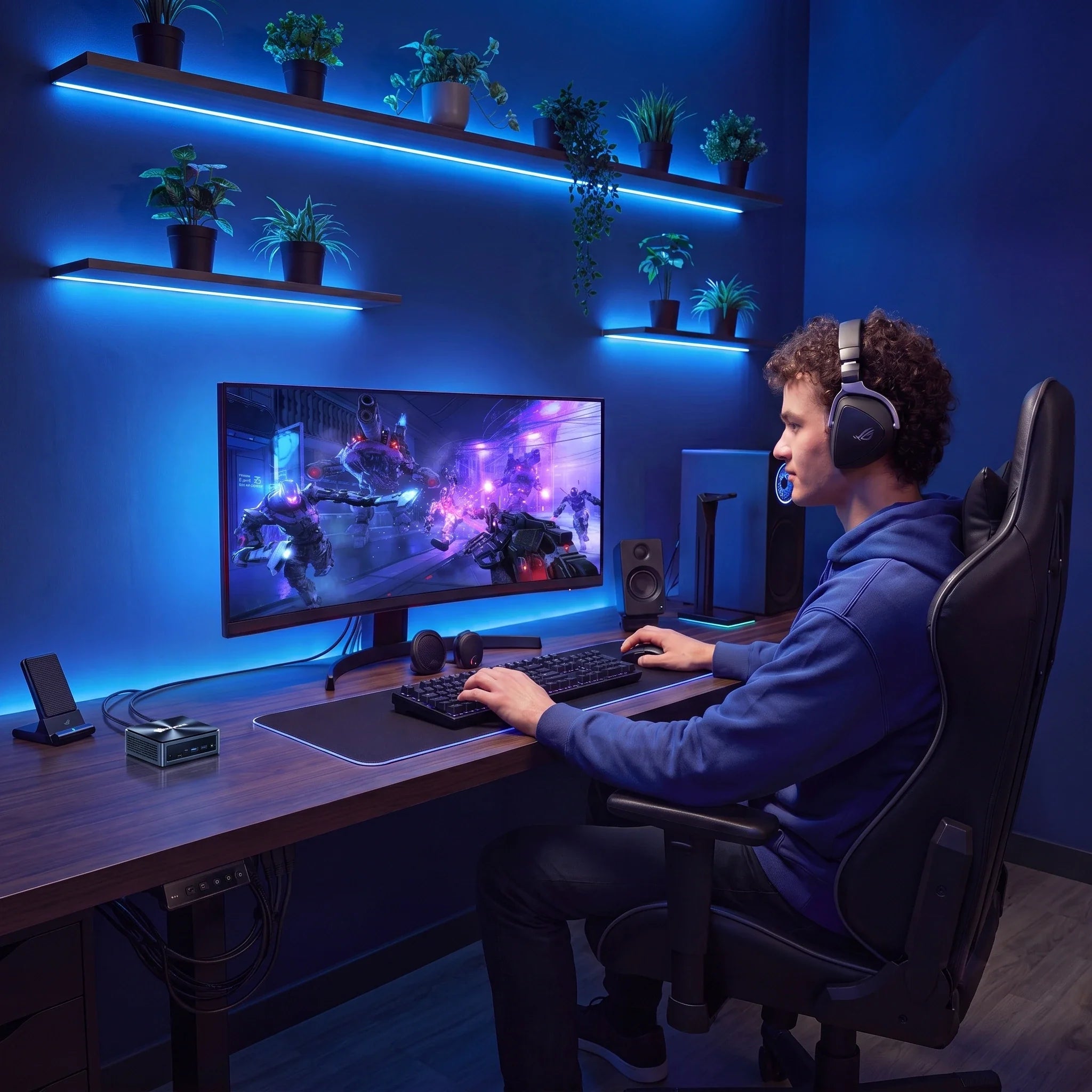
Sind Mini PCGut fürs Gaming im Jahr 2026? Was man tatsächlich spielen kann

Jahrelang bedeutete PC-Gaming nur eines: einen massiven Desktop-Tower, eine teure, klobige Grafikkarte, mehrere laute Lüfter und ein Setup, das viel zu viel Platz auf dem Schreibtisch beanspruchte.
Die Zeiten haben sich geändert.
Moderne Prozessoren verfügen über überraschend leistungsstarke integrierte Grafikeinheiten, der Arbeitsspeicher ist schneller denn je, und NVMe-SSDs haben Ladezeiten praktisch überflüssig gemacht. Kompakte Computer bewältigen heute Aufgaben, für die früher deutlich größere Systeme nötig waren.
Das führt natürlich zu einer wichtigen Frage für das Jahr 2026: Kann ein Mini PC Kann das tatsächlich zum Spielen verwendet werden?
Die ehrliche Antwort? Das hängt ganz davon ab, was du spielen möchtest.
A Mini PC Für Gelegenheitsspiele, Indie-Hits, E-Sport-Titel, ältere AAA-Spiele und Cloud-Gaming ist es ein absoluter Knaller. Wer jedoch maximale Grafikeinstellungen, aufwendiges Raytracing oder die neuesten 4K-Blockbuster-Spiele sucht, sollte weiterhin einen klassischen Gaming-PC mit dedizierter High-End-Grafikkarte in Betracht ziehen.
Lasst uns aufschlüsseln, was man realistischerweise von einem Spiel erwarten kann. Mini PC und wie man das richtige auswählt.
Kann ein Mini PC Wirklich Spiele veranstalten?
Ja – aber die Spieleleistung variiert stark je nach Hardware.
A Mini PC Es handelt sich um einen voll funktionsfähigen Computer. Er verfügt über eine CPU, eine Grafikkarte, Arbeitsspeicher, Speicherplatz und ein Kühlsystem. Der einzige wirkliche Unterschied besteht darin, dass alles in einem winzigen Gehäuse untergebracht ist.
Modern Mini PCkann Folgendes problemlos bewältigen:
-
Wettbewerbsfähige E-Sport-Spiele
-
Indie- und 2D/3D-Puzzlespiele
-
Strategie- und Simulationstitel
-
Ältere AAA-Blockbuster
-
Gemütliches Couch-Gaming
-
Cloud-Gaming und Spiele-Streaming
Die Leistungsfähigkeit hängt im Wesentlichen von vier Schlüsselfaktoren ab: Prozessorgeschwindigkeit, integrierte/dedizierte Grafikleistung, Arbeitsspeicher und Wärmemanagement.
(Möchten Sie eine detaillierte Aufschlüsselung der Funktionsweise dieser Spezifikationen? Schauen Sie sich unsere 2026 Mini PC Kaufberatung).
Welche Arten von Spielen kann ein Mini PC Handhaben?

1. E-Sport und Wettkampfspiele (Gewinner: Ja)
Wenn Ihre Rotation aus kompetitiven Mehrspieler-Spielen besteht, ein Mini PC ist eine überraschend praktische Option. Titel wie League of Legends, Dota 2, Valorant, Rocket League, Minecraft, Und Fortnite sind im Allgemeinen für den reibungslosen Betrieb auf modernen Prozessoren mit integrierter Grafik optimiert.
Man braucht nicht unbedingt eine High-End-Grafikkarte, um in kompetitiven Spielen aufzusteigen. Ein ausgewogener Prozessor, schneller Arbeitsspeicher und eine gute Kühlung sorgen für ein flüssiges Spielerlebnis mit hohen Bildraten.
2. Indie- und Gelegenheitsspiele (Gewinner: Absolut)
Mini PCFür Indie-Spiele-Fans sind sie ein Paradies. Jump'n'Runs, Strategiespiele, Simulationen und Puzzlespiele haben in der Regel moderate Hardwareanforderungen und laufen problemlos auf fast jedem modernen Kompakt-PC.
Wenn Sie eine Maschine möchten, die tagsüber Ihre Arbeit erledigt und nachts Indie-Perlen präsentiert, dann ist eine Mini PC Trifft genau den richtigen Punkt.
3.Ältere AAA-Spiele (Gewinner: Ja, mit angepassten Einstellungen)
Kann man ältere Blockbuster spielen? Ja. Allerdings müssen Sie möglicherweise einige Einstellungen anpassen – beispielsweise die Auflösung von 4K auf 1080p reduzieren oder die Schattenqualität und das Anti-Aliasing verringern.
Moderne integrierte Grafikkarten haben sich stark weiterentwickelt, wodurch kompakte Systeme heute wesentlich leistungsfähiger sind als früher.
4. Die neuesten AAA-Blockbuster (Gewinner: Pro(Vorsicht ist geboten)
Hier ist es wichtig, realistische Erwartungen zu haben. Brandneue AAA-Spiele benötigen massiven dedizierten Videospeicher (VRAM), aufwändiges Grafikrendering und aggressive Kühlung.
Am meisten Mini PCKompakte Rechner setzen auf integrierte Grafik anstelle von leistungsstarken Desktop-GPUs. Der Versuch, die neuesten AAA-Spiele mit maximalen Einstellungen und Raytracing auszuführen, wird auf einem solchen Rechner schwierig.
Die Umgehungslösung? Mit Cloud-Gaming-Diensten (wie Xbox Cloud Gaming und GeForce NOW) können Sie anspruchsvolle Spiele mühelos streamen, ohne dass eine leistungsstarke lokale GPU erforderlich ist.
Integrierte Grafikkarten haben sich weiterentwickelt
Der Hauptgrund Mini PCDie Tatsache, dass sie plötzlich für Spiele geeignet sind, ist dem enormen Fortschritt bei integrierter Grafik zu verdanken. Moderne Intel- und AMD-Prozessoren vereinen CPU-Kerne, Grafikprozessoren und Speichercontroller in einer einzigen effizienten Plattform.
Für Gelegenheitsspiele und alltägliche Produktivitätsanwendungen bedeutet dies, dass Sie eine überraschend leistungsfähige Grafik erhalten, ohne eine separate, energiehungrige Grafikkarte zu benötigen.
Wie viel RAM benötigt ein Gaming-PC? Mini PC Brauchen?
Weil die meisten Mini PCs verwenden integrierte Grafik, RAM ist Ihre Lebensader. Im Gegensatz zu einer dedizierten Grafikkarte mit eigenem VRAM greifen integrierte Grafikkarten auf den Systemspeicher zurück.
-
16 GB RAM: Ein solider Ausgangspunkt für Gelegenheitsspiele und leichtere Titel.
-
32 GB RAM: Absolut empfehlenswert, wenn Sie gerne Multitasking betreiben, Hintergrund-Apps während des Spielens ausführen oder anspruchsvollere moderne Titel spielen.
(Für einen detaillierteren Einblick in die Speicheranforderungen verschiedener Arbeitslasten lesen Sie bitte unseren Leitfaden zu Mini PCs für ProGrammatiken und Entwickler).
Warum Kühlung beim Gaming wichtig ist Mini PCS

Gaming beansprucht CPU und GPU dauerhaft und stark. Lange Gaming-Sessions erzeugen erhebliche Hitze. Kann ein kompaktes Gehäuse diese Wärme nicht schnell genug abführen, wird das System... thermische Drosselung—und verlangsamt sich, um eine Überhitzung zu verhindern.
Deshalb ist das Wärmedesign für ein Gaming-System von entscheidender Bedeutung. Mini PCDie
BMAX entwickelte die Kühlsystem der Raumkapsel Speziell entwickelt zur Optimierung der internen Luftzirkulation und Wärmeableitung in beengten Räumen. Effektive Kühlung gewährleistet stabile Bildwiederholraten, niedrigere Betriebstemperaturen und eine längere Lebensdauer Ihrer Hardware.
(Mehr über thermisches Design erfahren Sie in unserem Leitfaden zu Hochleistungsfähig Mini PCs im Jahr 2026).
Kann eine KI Mini PC Für Spiele geeignet?
KI-PCs werden 2026 der absolute Renner sein und oft über dedizierte Komponenten verfügen. NPUs (Neural Pro(Versorgungseinheiten) für lokale KI-Aufgaben.
NPUs sind zwar hervorragend geeignet für KI-gestützte Produktivität, intelligente Software und Zukunftssicherheit, Eine NPU ersetzt keine Gaming-GPU. Beim Gaming sind nach wie vor die reine Prozessor- und Grafikleistung das A und O.
Moderne Prozessoren, die eine starke CPU-Leistung, eine gute integrierte Grafik und KI-Beschleunigung kombinieren, ergeben jedoch eine unglaubliche All-in-One-Maschine für Arbeit, kreative Anwendungen und Gelegenheitsspiele.
(Neugierig auf KI-Chips? Lesen Sie unseren Leitfaden dazu.) Beste KI Mini PCs von 2026).
Mini PC vs. Gaming-Desktop: Ein kurzer Vergleich
| Besonderheit | Mini PC | Traditioneller Gaming-Desktop |
| Schreibtischplatz | Minimaler Platzbedarf | Nimmt viel Platz ein |
| Power Verbrauch | Niedrig | Hoch |
| E-Sport & Gelegenheitsspiele | Exzellent | Exzellent |
| Neueste AAA-Spiele | Eingeschränkt (modellabhängig) | Hervorragend (dedizierte GPU) |
| Hardware-Upgrades | Begrenzt (RAM/SSD) | Umfangreich (GPUs und CPUs austauschen) |
| Portabilität | Sehr leicht zu bewegen | Schwer und unhandlich |
-
Wählen Sie eine Mini PC Wenn: Sie haben nur begrenzt Platz auf Ihrem Schreibtisch, spielen E-Sport- oder Indie-Titel, möchten einen Rechner sowohl für Arbeit als auch zum Spielen und bevorzugen ein sauberes, leises Setup.
-
Wählen Sie einen Gaming-Desktop, wenn: Sie müssen die neuesten AAA-Spiele in 4K-Ultra-Einstellungen spielen können, benötigen eine dedizierte Grafikkarte und lieben es, Ihre Hardware jedes Jahr aufzurüsten.
(Für einen umfassenderen Vergleich lesen Sie unsere vollständige Aufschlüsselung:) Mini PC PC vs. Desktop: Welchen sollten Sie im Jahr 2026 tatsächlich kaufen?).
Häufig gestellte Fragen
Kann ein Mini PC Moderne Spiele ausführen?
Ja, aber es hängt stark vom jeweiligen Spiel ab. E-Sport-Titel, Indie-Spiele und ältere Spiele laufen flüssig. Anspruchsvolle, brandneue AAA-Spiele erfordern hingegen reduzierte Grafikeinstellungen oder Cloud-Gaming-Dienste.
Sind Mini PCIst es gut für E-Sport-Spiele?
Auf jeden Fall. Spiele wie Valorant, League of Legends, Und Rocket League haben geringere Hardwareanforderungen und laufen hervorragend auf modernen Mini PCS.
Wie viel RAM benötige ich für ein Spiel? Mini PC?
16 GB sind ein guter Ausgangspunkt, 32 GB werden jedoch empfohlen, wenn Sie gerne Multitasking betreiben oder anspruchsvollere Spiele spielen, während im Hintergrund Apps laufen.
Kann ein Mini PC Einen Gaming-Desktop ersetzen?
Für Gelegenheitsspieler, E-Sport-Fans und Cloud-Gamer – ja. Für Hardcore-Gamer, die High-End-Grafikkarten und 4K-Ultra-Einstellungen benötigen, ist ein herkömmlicher Desktop-PC weiterhin unerlässlich.
Abschluss
Sind Mini PCIst es im Jahr 2026 noch gut zum Spielen geeignet? Ja – mit realistischen Erwartungen.
Modern Mini PCSie eignen sich hervorragend für E-Sport, Indie-Hits, Gelegenheitsspiele, ältere AAA-Titel und Cloud-Gaming. Gleichzeitig bieten sie Ihnen unschlagbar viel Platz auf dem Schreibtisch, niedrigere Stromkosten und einen aufgeräumten Arbeitsplatz.
Wenn Sie ein ambitionierter Gamer sind, der maximale 4K-Bildwiederholraten anstrebt, bleiben Sie bei einem herkömmlichen Tower-PC. Wenn Sie hingegen einen schlanken, vielseitigen Computer suchen, der Arbeit, Studium und gelegentliches Spielen in einem kompakten Gehäuse vereint, ist ein moderner Tower-PC die richtige Wahl. Mini PC ist eine fantastische Wahl.







