

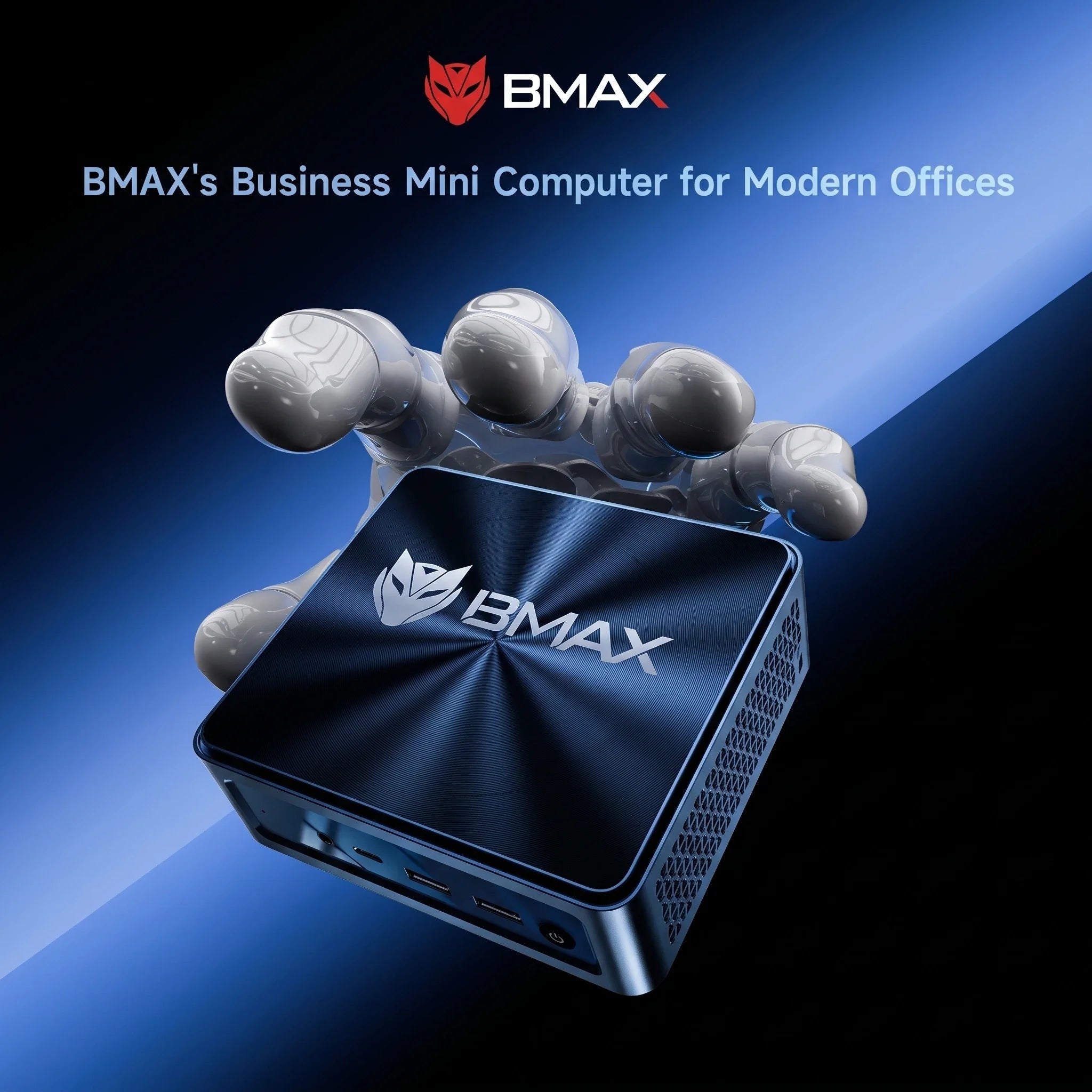
ミニPCは、現代のコンピューティングにおいて最も急速に成長している選択肢の一つとなっています。従来のデスクトップコンピュータと比較して、省スペースで消費電力も少なく、持ち運びも容易であり、仕事や勉強といった現代の日常的な作業に十分な性能を備えています。
しかし、選択肢が非常に多いため、最適なミニPCを選ぶのは少々難しいかもしれません。
IntelとAMD、どちらを選ぶべきでしょうか?必要なRAM容量はどれくらいですか?ミニPCの性能は、仕事、勉強、娯楽など、あなたのニーズを満たすのに十分でしょうか?
この購入ガイドは、2026年にミニPCを購入する際に考慮すべき重要な要素を理解するのに役立ちます。
1. 主な使用事例を検討する
あなたにとって最適なミニPCは、あなたの具体的なニーズによって異なります。
在宅勤務と生産性
リモートワーク、ビジネス業務、および日常的な生産性向上ニーズに対応するためには、ミニPCは以下の機能を備えている必要があります。
- マルチタスク性能
- 高速SSDストレージ
- 信頼性の高いネットワーク接続
- マルチモニター環境のサポート
- 携帯性
Microsoft Officeの使用、ビデオ会議、ウェブブラウジング、文書管理といった作業には、大型のデスクトップコンピュータは必要ありません。
コンパクトなミニPCなら、貴重なデスクスペースを節約しながら、これらのニーズをすべて満たすことができます。
学生および教育目的での利用
学生は通常、以下の目的でコンピュータを必要とします。
- オンラインコース
- 研究
- 作文課題
- プログラミング演習
- マルチメディア学習
ミニPCは、デスクトップPC並みの使いやすさを持ちながら、場所をあまり取らないため、実用的な選択肢と言えるでしょう。
エンターテインメントとホームマルチメディア
多くのユーザーは、ミニPCをホームエンターテイメント機器としても利用している。
HDMIポートとコンパクトなデザインにより、ミニPCはモニター、テレビ、その他の周辺機器に簡単に接続できます。
- オンラインで映画を見る
- ウェブを閲覧する
- 音楽を演奏する
- デジタルコンテンツの管理
2. 適切なプロセッサの選択
プロセッサは、あらゆるコンピュータにおいて最も重要な構成要素の一つである。
基本的な作業であれば、エントリーレベルのプロセッサで日常的なコンピューティングニーズに対応できます。
より高いパフォーマンスを必要とするユーザー(例えば、以下のような業務に従事しているユーザー)向け:
- 集中的なマルチタスク
- プログラミングアプリケーション
- クリエイティブなアプリケーション
- グラフィック制作
- ビジネスワークロード
より高性能なプロセッサを搭載した小型コンピュータは、よりスムーズなユーザーエクスペリエンスを提供する。
最新のAMD RyzenプロセッサとIntel Coreプロセッサは、優れたパフォーマンスを発揮しながら、エネルギー効率も維持しています。
3. 必要なRAM容量はどれくらいですか?
RAMの容量によって、同時にスムーズに実行できるアプリケーションの数が決まります。
推奨RAM容量:
8GB RAM:基本的なウェブブラウジングと簡単なタスク
16GB RAM:ほとんどのユーザーにおすすめ
32GB以上のRAM:プロフェッショナルレベルのワークロードと高度なマルチタスクに対応
ほとんどの家庭ユーザーやオフィスワーカーにとって、16GBのRAMは性能とコストの理想的なバランスを実現しており、十分すぎるほどの容量です。
4.収納はもっと重要
従来のハードディスクドライブは、ソリッドステートドライブ(SSD)に置き換えられつつあります。SSDには次のような利点があるためです。
起動時間の短縮
アプリケーションの読み込み時間が短縮されます。
全体的な応答性の向上
ミニPCを選ぶ際には、以下の点を考慮してください。
- ストレージ容量
- SSDタイプ
- アップグレードオプション
アプリケーション、ファイル、マルチメディアコンテンツを保存するための十分な容量が必要なユーザーにとって、512GBのSSDは良い選択肢です。手頃な価格で十分な容量を提供します。
5. 接続性と拡張ポート
優れたミニPCは、日常的なニーズを満たすのに十分なポートを備えているべきです。
重要な港湾は以下のとおりです。
- HDMIまたはDisplayPort
- USBポート
- USB-Cポート
- イーサネット
- Wi-Fi
- ブルートゥース
より広い作業スペースを必要とする生産性の高いオフィスユーザーにとって、マルチモニター対応は非常に便利です。
6.ミニPCと従来型デスクトップコンピュータの比較
ハイエンドゲームやプロフェッショナルレベルの作業負荷に関しては、従来型のデスクトップコンピュータが依然として優位性を持っている。
しかし、ミニPCには次のような利点があります。
| ミニPC | 従来のデスクトップ |
|---|---|
| 小型サイズ | より広い設置面積 |
| 消費電力の低減 | エネルギー消費量の増加 |
| 簡単に設置可能 | より広いスペースが必要 |
| 静音運転 | その他のコンポーネント |
| 日常的なパフォーマンスは良好 | アップグレードの柔軟性が向上しました |
ほとんどの一般ユーザーにとって、ミニPCは効率的で実用的かつ便利なソリューションを提供する。
BMAXミニPCを選ぶ理由とは?
BMAXは、性能、デザイン、そして価格のバランスが取れたコンパクトなコンピュータの開発に尽力しています。
コンピューターが必要な理由が以下のいずれかである場合:
- 在宅勤務
- オンライン学習
- ビジネスアプリケーション
- エンターテインメント
- 日常業務
BMAXのミニPCは、不要なコストをかけずに信頼性の高いコンピューティングソリューションを提供します。
結論
ミニPCを選ぶことは、性能を犠牲にすることを意味するわけではありません。
適切なプロセッサ、メモリ、ストレージ、接続機能を備えていれば、ミニPCはほとんどのユーザーにとって十分な代替手段となり得る。
購入する前に、日々のニーズをよく検討し、ライフスタイルや仕事の習慣に合った構成と性能レベルのミニPCを選びましょう。





