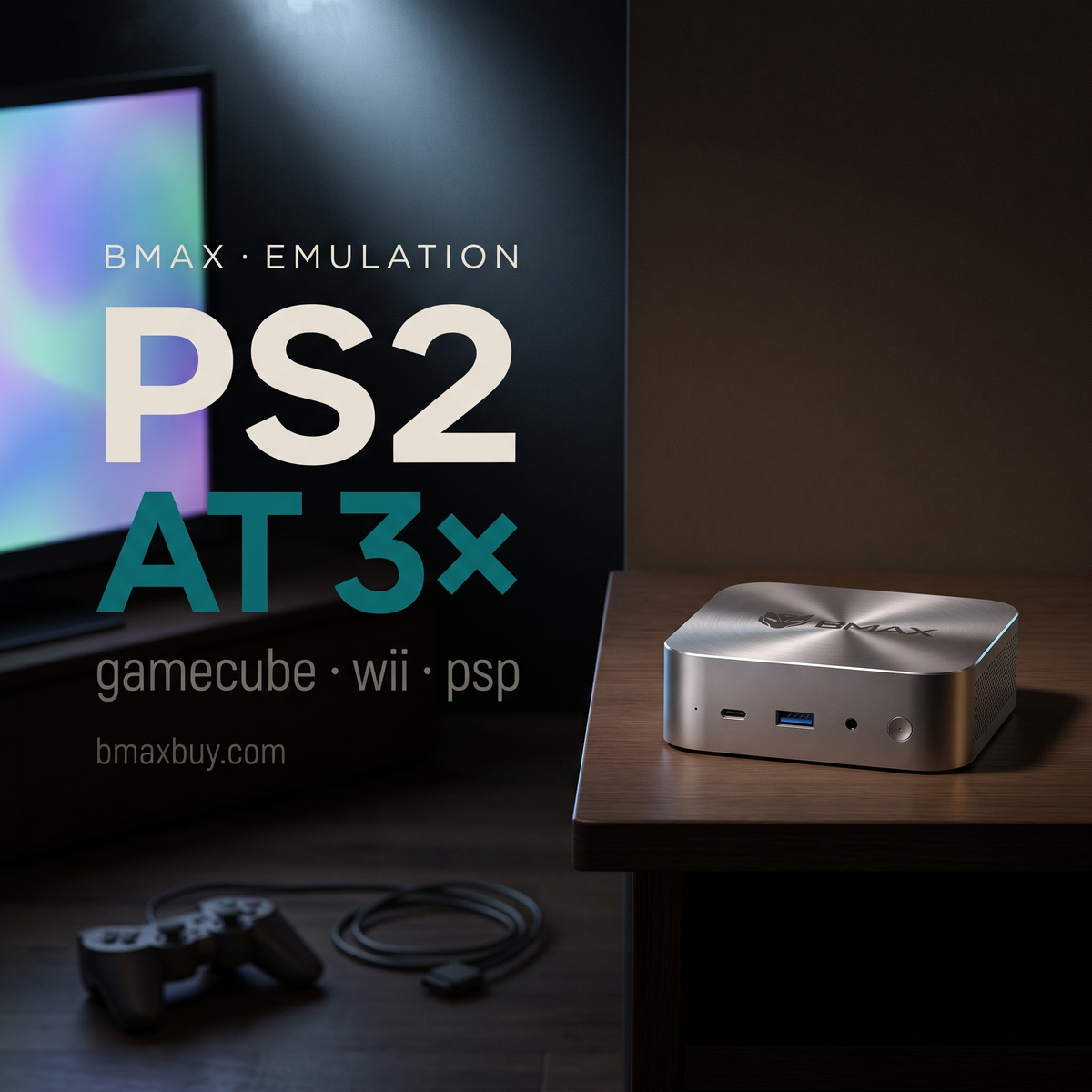
A Ryzen 5 6600H mini PC runs PS2 and GameCube games at 2× to 3× resolution without dropping frames. It costs $329.99, and it is the cheapest machine that does this reliably.
Emulation is decided by single-core speed, not by core count and not by memory. The CPU has to translate another console's instructions in real time, and most emulators use two to four threads heavily.
Below is what each console needs, what a mini PC can actually do, and where the ceiling sits.
Key takeaways
- Up to PSP and N64: any $170 mini PC handles them.
- GameCube, Wii and PS2: a 6-core Ryzen is the sweet spot. B7A Plus at $329.99.
- PS3 and Xbox 360: not playable on a mini PC, whatever the spec sheet says.
- 8 GB is enough. Emulators use little RAM. Do not buy 24 GB for this.
- The GPU only upscales. A better iGPU gives you 3× instead of 2×, not more games.
What can a mini PC emulate?

| Console | Emulator | What it needs | Verdict |
|---|---|---|---|
| NES to N64, PSP | RetroArch cores, PPSSPP | Any modern chip | Works on a $170 machine |
| GameCube, Wii | Dolphin | 4+ cores, decent iGPU | Smooth at 2× on a Ryzen 5 |
| PS2 | PCSX2 | 6 cores, strong single thread | Smooth at 2–3× on a Ryzen 5 |
| Switch | Ryujinx forks | 8 cores, 16 GB | Hit and miss; the main projects closed in 2024 |
| PS3 | RPCS3 | 16 threads or more | Only simple titles run at full speed |
| Xbox 360 | Xenia | Desktop-class CPU | Not a mini PC use case |
Which specification actually matters?
Single-core speed first. PCSX2 and Dolphin lean on two to four fast threads. A 4-core chip with high clocks beats an 8-core chip with low clocks for this workload.
Core count second. PS3 emulation spreads across threads, and so does shader compilation. Six cores is the point where stutter stops.
GPU third. Integrated graphics decide internal resolution, not compatibility. Radeon 660M and Intel Iris Xe both reach 3× on GameCube and 2× on most PS2 titles.
Memory last. 8 GB is enough for every emulator listed above. 16 GB helps if you also run a browser and a capture tool.
Storage matters more than people expect. A PS2 disc image runs 3 to 4 GB, so a 512 GB drive holds roughly 120 games. GameCube images are smaller at about 1.4 GB, which is why a 256 GB machine fills up faster than the library suggests.
Which BMAX handles what?
| Model | CPU / GPU | Realistic ceiling |
|---|---|---|
| B3 Pro — $199.99 | N4500, UHD Graphics | PSP, N64, Dreamcast at 2× |
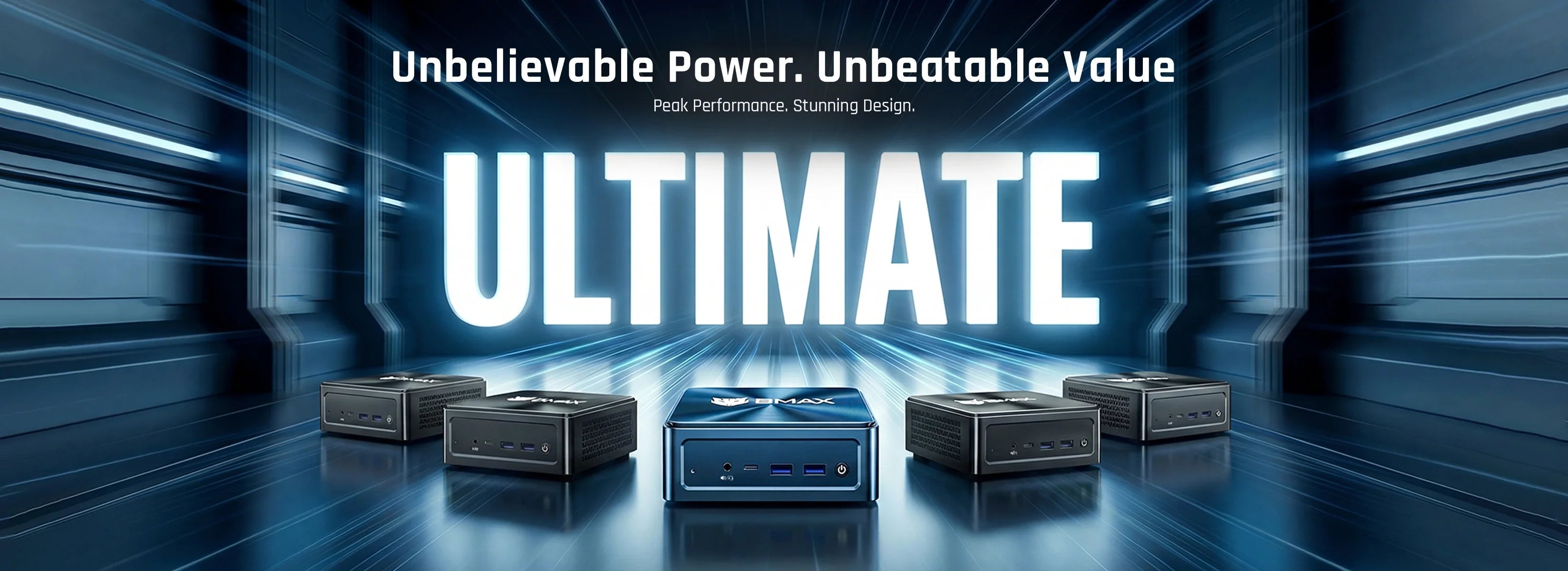
| B7A Plus — $329.99 | Ryzen 5 6600H, Radeon 660M | GameCube and PS2 at 2–3×. The sweet spot. |
| B9 Power — $699.99 | Core i9-12900H, Iris Xe | PS2 at 4×, selective PS3 |
The B7A Plus is the machine to buy for this. Six cores, a Radeon 660M that handles upscaling, and $329.99. Everything above it is buying PS3 headroom you will rarely use.
If you also want a machine that travels, the X17 Power laptop runs the same i9-12900H with a built-in screen and keyboard.
Where does a mini PC stop?
PS3 and Xbox 360. RPCS3 and Xenia depend on instruction sets and thread counts that small chips do not have. Simple games run. Most do not.
Switch. The two main emulators shut down in 2024 after legal action. Forks exist, compatibility is uneven, and I would not buy hardware for it.
Anything requiring a discrete GPU at 4K. Upscaling a PS2 game to 4K is a party trick, not a use case.
Buy for the games you own. Emulation legality depends on jurisdiction and on whether you dump your own discs. This article is about hardware capability, not about where to find ROMs.
How do you set it up?
Two routes, and the first is faster.
Batocera is a bootable Linux image. Flash it to a USB drive, boot from it, and you have a console-like interface with RetroArch, Dolphin and PCSX2 preconfigured. No Windows licence, no drivers.
Windows plus EmuDeck is the other option. EmuDeck installs and configures the emulators for you, keeps saves in one folder, and works with a controller from the first launch.
Both routes need BIOS files for PS2 and PlayStation. You dump those from a console you own. Without them, PCSX2 will not boot a disc image at all.
Either way, budget an evening. Emulation setup is mostly about per-game settings, not installation.
One last detail: use a wired controller if you play rhythm or fighting games. Bluetooth adds 10 to 16 ms of latency, which is enough to make timing feel wrong on a TV.
FAQ
Can a mini PC run PS2 games?
Yes. A 6-core Ryzen mini PC like the B7A Plus runs most PS2 titles at 2× to 3× resolution without slowdown. Budget chips struggle with the heavier games.
How much RAM does emulation need?
8 GB is enough for PS2, GameCube and Wii. 16 GB helps if you run a browser, Discord and a capture tool at the same time.
Can a mini PC emulate PS3?
Only simple titles. RPCS3 needs 16 threads and strong per-core performance, which is desktop territory. A B9 Power runs a few games acceptably, not a library.
Is a mini PC better than a Raspberry Pi for emulation?
Yes, for anything above N64. A Pi 5 handles 8- and 16-bit systems well, but PS2 and GameCube need x86 cores. A $200 mini PC beats a Pi 5 with a heatsink.
Do I need a dedicated GPU for emulation?
No. Integrated graphics handle upscaling fine up to 3×. A discrete GPU only matters if you want 4K output or heavy shader packs.
Which BMAX is best for emulation?
The B7A Plus at $329.99. Six cores, Radeon 660M graphics and enough RAM for every emulator up to PS2.
Related reading
- What $100, $200 and $300 actually buy
- Build a mini PC or buy one
- Best AI mini PCs
- The BMAX buying guide
$329.99, PS2 and GameCube at 2–3×. The B7A Plus is the cheapest mini PC that does this well.
Sources
- Emulator requirements: PCSX2, Dolphin, RPCS3 and Ryujinx documentation.
- Demand index: an estimate from those requirements, not a benchmark.
- Prices and specifications: bmaxbuy.com product pages, November 2026.
Performance claims are expectations, not measurements. Compatibility and frame rate vary by game and by emulator version.