

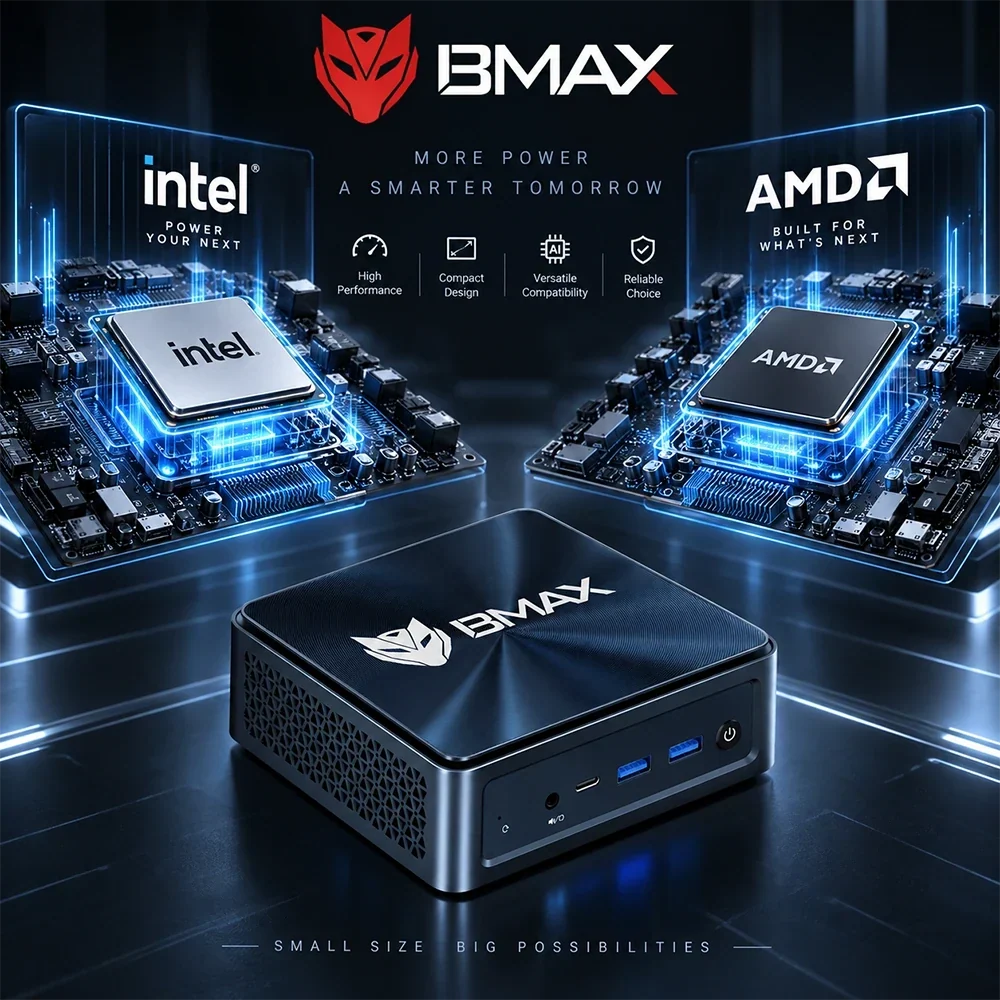
Intel contro AMD in Mini PCs (2026): Quale ProQuale processore dovresti scegliere?
Quando si acquista un nuovo Mini PC, noterete subito che il mercato dei computer compatti è guidato da una rivalità tra colossi: Intel contro AMD.
Scegliere il processore (CPU) giusto è una delle decisioni più importanti che prenderete. Determina la velocità di avvio del sistema, la fluidità del multitasking tra le applicazioni, le prestazioni dei giochi e l'efficienza energetica del computer.
Entrambi i colossi del silicio hanno compiuto enormi progressi tecnologici, integrando incredibili prestazioni multi-core e grafica avanzata in chassis ultracompatti di dimensioni ridotte. Tuttavia, affrontano il mondo dell'informatica compatta con punti di forza leggermente diversi.
Sia che tu stia pensando a una macchina per la produttività basata su Intel o a una macchina ad alte prestazioni AMD Ryzen centrale elettrica (come la BMAX B8A Pro caratterizzato dal AMD Ryzen 7), questa analisi oggettiva ti aiuterà a scegliere il processore giusto per il tuo flusso di lavoro.


I contendenti: alla scoperta di Intel e AMD nei PC compatti
Per scegliere con saggezza, è utile capire cosa offre ciascuna architettura:
-
Intel Core, Nucleo Ultra & Serie N: Apprezzata per la sua ampia compatibilità aziendale, la solida stabilità nell'uso quotidiano, la forte reattività single-core e le capacità di codifica multimediale leader del settore, Intel alimenta qualsiasi dispositivo, dai modelli economici ultra-efficienti alle workstation di punta multi-core di fascia alta.
-
AMD Ryzen: Rinomati per le eccezionali prestazioni multi-thread, l'impressionante efficienza energetica sotto carichi pesanti e la grafica integrata Radeon leader del settore, i processori AMD offrono prestazioni ben superiori alla loro categoria nella creazione di contenuti, nel multitasking intensivo e nel gaming.
(Per una panoramica completa su come le CPU si inseriscono nella costruzione complessiva del sistema, consulta il nostro 2026 Mini PC Guida all'acquisto).
1. Ogni giorno Produttilità e lavoro d'ufficio
Se il tuo flusso di lavoro quotidiano consiste in Microsoft Office, navigazione web intensiva con decine di schede, gestione delle e-mail e conduzione di videoconferenze, Sia Intel che AMD gestiscono questi compiti con facilità.
-
Intel Offre una vasta gamma di opzioni, dai processori della serie N a basso consumo energetico per le attività di base ai processori Core di fascia alta che gestiscono senza problemi il multitasking più impegnativo in ufficio.
-
AMD Ryzen I processori offrono una reattività eccezionale e un'efficienza multi-core, il che significa che le applicazioni in background, gli strumenti di sicurezza e i fogli di calcolo con grandi quantità di dati non ti rallenteranno mai.
Per la produttività standard in ufficio, entrambe le architetture offrono una risposta immediata e senza ritardi.

2. Grafica integrata e giochi casual (Vantaggio: AMD Ryzen)
Se hai intenzione di fare giochi casual, progettazione grafica o emulazione sul tuo Mini PCLe prestazioni grafiche diventano un fattore determinante.
-
AMD Ryzen i processori sono ampiamente celebrati per il loro integrato Grafica Radeon. Spesso offrono frame rate più elevati nei giochi competitivi e una gestione più fluida dei software grafici senza bisogno di una GPU dedicata.
-
Intel ha fatto passi da gigante con le sue nuove architetture grafiche integrate, offrendo un supporto multimediale eccellente e solide prestazioni nei giochi casual, ma AMD tradizionalmente mantiene un leggero vantaggio in termini di pura potenza delle sue schede grafiche integrate per il gaming.
(Curioso di sapere cosa possono gestire i sistemi compatti? Leggi la nostra guida su Sono Mini PCSarà un buon anno per il gaming nel 2026?).
3. Codifica multimediale, stabilità del software ed efficienza
-
Punti di forza dell'architettura Intel: I processori Intel sono dotati di motori multimediali integrati avanzati (come Quick Sync Video), che li rendono eccezionali per la decodifica video 4K, lo streaming live e i flussi di lavoro di editing video. Vantano inoltre decenni di ottimizzazione software approfondita, il che li rende la scelta ideale per gli ambienti aziendali che richiedono una compatibilità rigorosa.
-
Punti di forza dell'architettura AMD: AMD Ryzen I chip si distinguono per la notevole efficienza in termini di istruzioni per watt, mantenendo basse temperature di esercizio e velocità elevate anche quando tutti i core della CPU sono impegnati al 100% durante rendering o compilazione intensivi.
Riepilogo: Quale scegliere?
-
Scegli un sistema basato su Intel Mini PC Se: Desideri una macchina affidabile e stabile, pensata per la produttività quotidiana in ufficio, lo streaming multimediale, il multitasking intensivo e una solida compatibilità software. (Ottimo per gli utenti che cercano un computer flessibile per l'uso quotidiano o un Core avanzato) Ultra postazioni di lavoro).
-
Scegli un AMD Ryzen-alimentato Mini PC Se: Desideri una potenza multi-thread eccezionale per flussi di lavoro creativi intensivi, elaborazione dati e prestazioni grafiche integrate superiori per il gaming occasionale (come le nostre configurazioni ad alte prestazioni basate su processori AMD).

Conclusione
Alla fine della giornata, sia Intel che AMD producono processori fenomenali per Mini PCS. La tua scelta non dovrebbe basarsi su una cieca fedeltà al marchio, ma piuttosto sull'abbinamento dei punti di forza del chip al tuo effettivo carico di lavoro quotidiano.
Che tu preferisca l'ecosistema di produttività raffinato di Intel o la potente efficienza multi-core e grafica di AMD, un moderno Mini PC trasformerà il tuo spazio di lavoro.
Pronto a trovare il tuo prossimo computer compatto? Esplora BMAX Mini PC collezione per scoprire sistemi affidabili e ad alte prestazioni, dotati di processori Intel e AMD di fascia alta, progettati per i flussi di lavoro moderni.
Domande frequenti (FAQ)
D: Fa BMAX offrono sia Intel che AMD Mini PCS?
A: Sì! Mentre BMAX offre un'ampia selezione di modelli popolari basati su Intel (che vanno dalle unità per ufficio economiche ai Core avanzati) Ultra oltre ai modelli di punta), offriamo anche alternative AMD ad alte prestazioni come la B8A Pro alimentato da AMD Ryzen 7.
D: I processori Intel o AMD sono migliori per Mini PCS?
A: Nessuna delle due è universalmente "migliore". AMD Ryzen In generale, i chip eccellono nella grafica integrata e nell'efficienza multi-core, mentre i chip Intel brillano nella codifica multimediale, nell'ampia compatibilità software e nelle diverse opzioni di fascia alta.
D: Sia Intel che AMD possono Mini PCGestisce lo streaming video 4K?
A: Assolutamente. I processori moderni di entrambi i marchi sono dotati di motori di decodifica video hardware avanzati che gestiscono la riproduzione e lo streaming 4K in modo fluido e senza problemi.
D: Quale scheda grafica integrata è migliore per giocare: Intel o AMD?
UN: AMD Ryzen I processori tradizionali godono di un leggero vantaggio in termini di prestazioni grafiche integrate e frame rate, sebbene i processori Intel di fascia alta siano perfettamente in grado di gestire giochi casual e titoli eSport.







