

Die besten Mini PC s fürs Homeoffice 2026: Weg mit dem Tower, Platz auf dem Schreibtisch sparen

Seien wir ehrlich: Die Arbeit im Homeoffice im Jahr 2026 bringt ihre ganz eigenen Herausforderungen mit sich. Eben noch ist man in eine Recherchesitzung mit 50 Browser-Tabs vertieft, im nächsten Moment muss man spontan an einem Videoanruf teilnehmen – und das alles, während man versucht, den Küchentisch oder das Gästezimmer nicht wie einen Elektronikfriedhof aussehen zu lassen.
Wenn Sie immer noch einen riesigen, lauten Desktop-Tower benutzen, nur um Tabellenkalkulationen zu bearbeiten und Zoom-Meetings abzuhalten, oder 8 Stunden am Stück auf einen beengten
Geben Sie die
Moderne
Schauen wir uns an, warum Remote-Profis sperrige Tower-PCs gegen kompakte Computer eintauschen und welche davon im Jahr 2026 tatsächlich noch einen Platz auf dem Schreibtisch wert sind.
Warum ein Mini PC die Remote-Arbeit revolutioniert

Ihr Heimarbeitsplatz-Computer muss zwei Dinge besonders gut können: Er sollte nicht stören und auch bei einem Dutzend geöffneter Anwendungen flüssig laufen. Deshalb ist ein
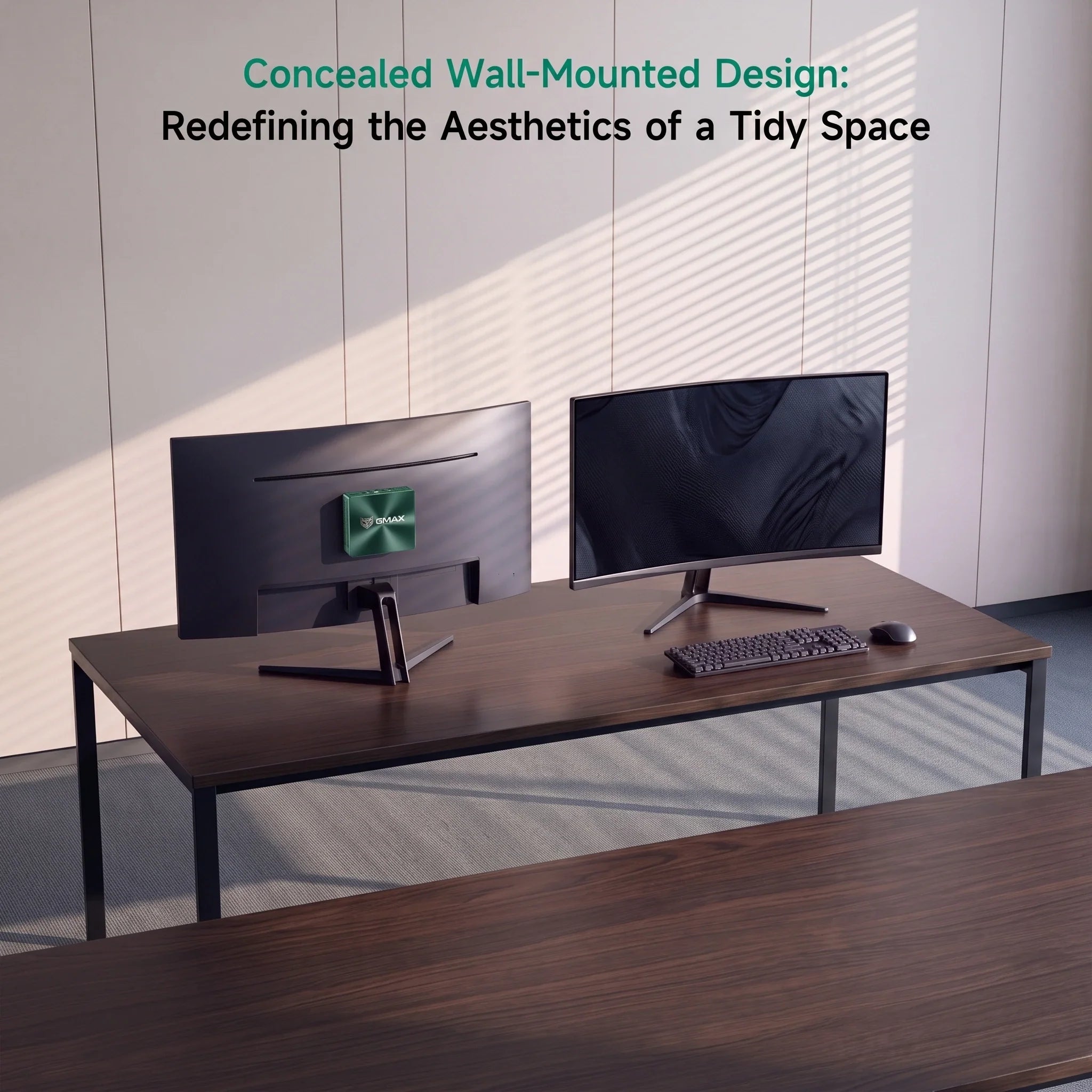
1. Schaffen Sie sich mehr Platz auf Ihrem Schreibtisch
Ob im Schlafzimmer, in einer WG oder im gemütlichen Homeoffice – jeder Zentimeter zählt. Herkömmliche Desktop-Tower rauben wertvolle Beinfreiheit und ziehen Staubflusen an.
(Möchten Sie Größen und Spezifikationen vergleichen? Unser
2. Reibungslose Power für Multitasking im Alltag
Bei der Arbeit im Homeoffice geht es nicht mehr nur darum, Word-Dokumente zu öffnen. Wahrscheinlich nutzen Sie gleichzeitig Slack, ein Dutzend Chrome-Tabs, ein Projektmanagement-Tool, Spotify und eine Videokonferenz.
Moderne
3. Niedrigere Stromrechnungen & Flüsterleiser Betrieb
Wer den ganzen Tag am Schreibtisch sitzt, für den spielt der Stromverbrauch eine entscheidende Rolle.
Worauf Sie bei einem Mini PC für die Remote-Arbeit achten sollten
Nicht alle Mini-Computer sind gleich. Hier ist eine kurze Übersicht der benötigten Spezifikationen:
-
Der Prozessor (CPU): Geben Sie sich nicht mit veralteten Chips zufrieden. Suchen Sie nach einem Prozessor, der Effizienz und
Power optimal vereint, damit Ihre Videoanrufe nicht ruckeln, wenn Ihre Tabellenkalkulation neu berechnet wird. -
RAM (Arbeitsspeicher): Für einfache Büroarbeiten, 8 GB Erledigt die Aufgabe.Aber wenn Sie ein echter Remote-Multitasker sind, 16 GB ist der optimale Wert für 2026. (Power-User sollten vielleicht sogar 32 GB in Betracht ziehen).
-
Speicher (SSD): Kaufen Sie niemals einen PC mit mechanischer Festplatte. 512 GB SSD ist für die meisten Profis der Goldstandard, da es viel Speicherplatz für Dateien bietet, ohne dass ständig etwas gelöscht werden muss.
Kann ein Mini PC Videokonferenzen und den Betrieb mit zwei Monitoren bewältigen?

Kurze Antwort: Absolut.
Moderne Remote-Arbeitsplätze erfordern praktisch zwei Monitore – einen für die Zoom-Konferenz und einen weiteren für die eigentliche Arbeit. Ein leistungsstarker
Warum Kühlung wichtig ist (Der unbesungene Held)
Wenn Ihr Computer während einer wichtigen Präsentation überhitzt, ist Ihr Arbeitstag gelaufen. Da
BMAX löste dieses Problem durch die Entwicklung von Kühlsystem der Raumkapsel.

Für Nutzer, die maximale
Die besten BMAX Mini PC s für Remote-Arbeit im Jahr 2026
Je nach Budget und Arbeitsaufwand bietet BMAX eine kompakte Lösung, die speziell auf Ihr Homeoffice zugeschnitten ist:
💼 Die budgetfreundliche Wahl: BMAX B1 Plus
Wenn sich Ihr Arbeitsalltag um E-Mails, Web-Recherche, Google Docs und virtuelle Meetings dreht, brauchen Sie kein überteuertes Gerät mit überdimensionierter Ausstattung. BMAX B1
🚀 Der Balanced Pro: BMAX B6 Plus
Müssen Sie anspruchsvolles Multitasking, Programmierumgebungen oder datenintensive Anwendungen gleichzeitig bewältigen? BMAX B6
🧠 Das zukunftssichere Kraftpaket: BMAX B11 Pro
Wenn Sie eine Maschine wollen, die für die Zukunft der Arbeit gerüstet ist, schauen Sie sich die folgende an: BMAX B11 Pro. Ausgestattet mit dem
Mini PC vs. Laptop für die Arbeit von zu Hause aus
Sie fragen sich, ob Sie sich nicht lieber einen
-
Holen Sie sich einen
Mini PC , wenn: Sie arbeiten überwiegend von zu Hause aus, möchten einen großen Monitor (oder zwei) anschließen, bevorzugen eine ergonomische Tastatur in voller Größe und wünschen sich bessere Spezifikationen zu einem niedrigeren Preis. -
Kaufen Sie sich einen
Laptop , wenn: Du bist ein digitaler Nomade, der jeden Tag in Cafés, Flugzeugen und Kundenbüros arbeitet.
Häufig gestellte Fragen
Ist ein
100%. Für Videoanrufe, Tabellenkalkulationen, browserintensive Anwendungen und allgemeines Multitasking ist ein moderner
Wie viel RAM benötige ich für die Remote-Arbeit im Jahr 2026?
Gehen mit 16 GB Wenn Sie ein absolut flüssiges Nutzungserlebnis mit Dutzenden geöffneten Browser-Tabs wünschen. Wenn Sie ein Gelegenheitsnutzer sind, der nur E-Mails abruft und einfache Dokumente bearbeitet, reichen 8 GB ebenfalls aus.
Kann ein
Ja, ganz einfach. Sofern Sie nicht aufwändig 4K-Videobearbeitung betreiben oder anspruchsvolle AAA-Spiele spielen, erledigt ein moderner
Lohnt sich die Anschaffung von KI-
Wenn Sie möchten, dass Ihr Computer auch in den nächsten Jahren relevant bleibt, wenn KI-gesteuerte Produktivitätstools zum Standard werden, ist der Kauf eines KI-fähigen Geräts wie dem BMAX B11 Pro eine sehr kluge Entscheidung.





