

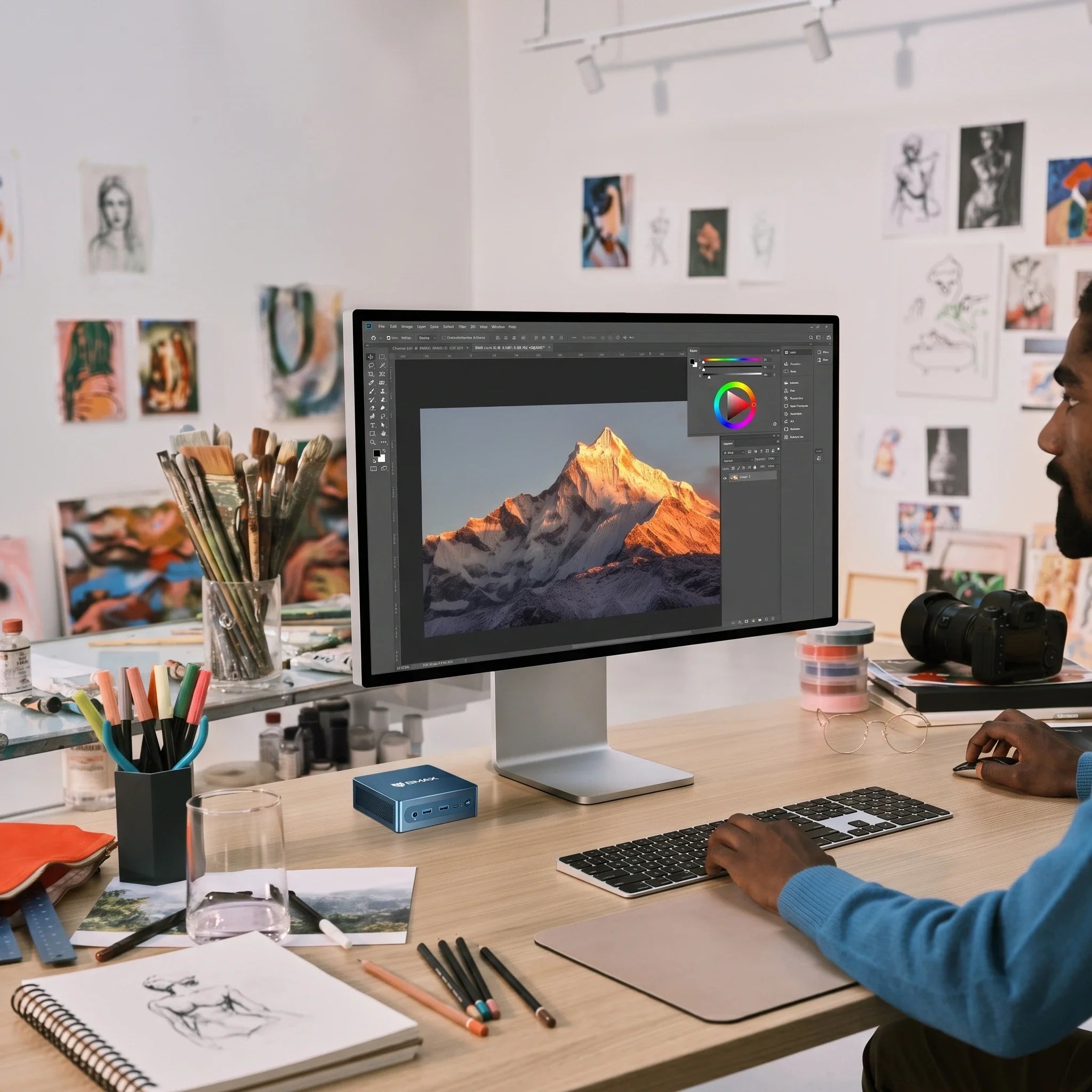
Am besten Mini PCComputer für kleine Unternehmen im Jahr 2026: Kompakte, zuverlässige Computer für den Geschäftsbetrieb
Wenn man ein kleines Unternehmen führt, geht es beim Kauf von Bürocomputern nicht darum, den absolut höchsten Benchmark-Wert zu erzielen oder sein Budget für flüssigkeitsgekühlte Monster-PCs zu sprengen.
Es geht um Balance.
Der durchschnittliche Angestellte verbringt den Großteil seiner Arbeitszeit mit Textverarbeitungsprogrammen, browserbasierten ERP-Systemen, E-Mails, Zoom-Meetings, Tabellenkalkulationen und Buchhaltungssoftware. Was Kleinunternehmern aber wirklich wichtig ist, ist Budget, Arbeitsplatzeffizienz, Zuverlässigkeit, Stromverbrauch und langfristige Nutzbarkeit.
Genau deshalb Mini PCs haben sich im Jahr 2026 zur ersten Wahl für kleine Unternehmen entwickelt.
Ein moderner Mini PC Er bietet die gleiche Leistung wie ein herkömmlicher Desktop-Tower, benötigt aber nur so viel Platz wie ein Taschenbuch. Für beengte Büros, Empfangsbereiche, überfüllte Kassenbereiche im Einzelhandel, Besprechungsräume und Homeoffices ist ein kompaktes Gerät einfach wirtschaftlich sinnvoll.
Schauen wir uns an, warum zukunftsorientierte Unternehmen diesen Wechsel vollziehen.
Warum sind Mini PCIst es für kleine Unternehmen geeignet?
Für Kleinunternehmen zählt jeder Dollar. Anstatt in riesige Desktop-PCs mit enormer Rechenleistung zu investieren, die die Mitarbeiter im Büro nie voll ausnutzen, können Unternehmen intelligente, zielgerichtete Technologie erwerben, die auf die tatsächlichen Arbeitslasten abgestimmt ist.
Mini PCs zeichnen sich in Standard-Geschäftsumgebungen aus, darunter:
-
Produktivität im Büroalltag (Microsoft Office, Google Workspace)
-
E-Mail, Web-Apps und Cloud-Plattformen
-
Videokonferenzen (Zoom, Teams, Google Meet)
-
Buchhaltungssoftware (QuickBooks, Xero usw.)
-
Customer-Relationship-Management-(CRM)-Tools
-
Empfangs-, Verwaltungs- und Dateneingabetätigkeiten
-
Digitale Beschilderung und Kassensysteme (POS) im Einzelhandel
Für all diese Arbeitslasten bietet ein kompakter Computer die nötige Geschwindigkeit ohne unnötiges Volumen.

1. Wertvolle Bürofläche sparen
Immobilien sind teuer. Herkömmliche Desktop-Tower nehmen enorme Mengen an Boden- oder Schreibtischfläche ein, ganz zu schweigen von dem Kabelsalat unter den Schreibtischen der Mitarbeiter.
Mini PCs verändern die Mathematik. Sie können sein:
-
Ordentlich auf einer Schreibtischecke platziert
-
Auf ein Regal oder unter einen Schreibtisch geschoben.
-
Sicher montiert mittels VESA-Halterung direkt hinter einem Monitor
Für Unternehmen, die in kompakten Büroräumen oder gemeinsam genutzten Coworking-Spaces arbeiten, sorgt die Verkleinerung der physischen Arbeitsplatzfläche sofort für ein saubereres und professionelleres Erscheinungsbild.
2. Ausreichend Leistung für den täglichen Geschäftsbetrieb
Ihr Team benötigt keine Server der Workstation-Klasse, nur um E-Mails abzurufen und Tabellenkalkulationen auszuführen.
Ein moderner Business-PC benötigt eine ausgewogene Konfiguration: einen leistungsstarken Prozessor, ausreichend Arbeitsspeicher und eine schnelle SSD. Mit den richtigen Spezifikationen kann Ihr Team problemlos mehrere Geschäftsanwendungen gleichzeitig ausführen, ohne dass es in kritischen Momenten zu Rucklern oder Verzögerungen kommt.
3.Wie viel RAM benötigt ein Business-PC?
-
8 GB RAM: Für einfache administrative Aufgaben, gelegentliches E-Mail-Schreiben und Arbeiten mit nur einem Browsertab ist es ausreichend.
-
16 GB RAM (Empfohlen für 2026): Die optimale Lösung für die meisten modernen Büroangestellten. Es bietet Ihren Mitarbeitern genügend Freiraum, um Microsoft Office, Chat-Apps, Cloud-Tools und 20 Chrome-Tabs gleichzeitig ruckelfrei zu nutzen.
-
32 GB+ RAM: Am besten geeignet für fortgeschrittene Benutzer, Entwickler oder Mitarbeiter, die mit großen Finanzdatenbanken arbeiten.
4. SSD-Speicher = Keine Wartezeiten
Kauf dir im Jahr 2026 niemals einen Business-PC mit mechanischer Festplatte.
Schnelle NVMe-SSDs sorgen dafür, dass das System in Sekundenschnelle hochfährt, Anwendungen sofort starten und große Dateien ohne Verzögerung geöffnet werden. 512 GB SSD ist der ideale Standard für allgemeine Büroangestellte und bietet ihnen viel Platz für Dokumente und Anwendungen.
(Pro Tipp: Ermutigen Sie immer zu Cloud-Backups oder Network Attached Storage (NAS), damit Ihre Unternehmensdaten niemals auf einem einzigen lokalen Laufwerk gefangen sind.

5. Boost ProEffizienz mit Unterstützung für mehrere Monitore
Viele Büroangestellte erleben einen sofortigen Produktivitätssprung, wenn sie von einem einzelnen Laptop-Bildschirm auf ein Dual-Monitor-Setup umsteigen.
Die Möglichkeit, den Posteingang auf einem Bildschirm geöffnet zu lassen und gleichzeitig Tabellenkalkulationen auf einem anderen zu analysieren, reduziert die häufige Nutzung von Alt-Tab. Vor dem Kauf eines Unternehmens Mini PCPrüfen Sie die Display-Ausgänge (HDMI/DisplayPort), um sicherzustellen, dass das Gerät problemlos zwei oder drei Monitore unterstützt.
6. Konnektivität und Zuverlässigkeit sind wichtig.
Geschäftsumgebungen benötigen stabile Peripheriegeräte. Ein großartiges Unternehmen Mini PC sollte Folgendes anbieten:
-
Zahlreiche USB-Anschlüsse für Tastaturen, Mäuse, Etikettendrucker und Headsets
-
Zuverlässiges Gigabit-Ethernet (für Büros, in denen WLAN-Störungen ein Problem darstellen)
-
Bluetooth und WLAN für drahtlose Verbindungen
7. Für den Dauereinsatz gebaut: Warum Kühlung entscheidend ist
Bürocomputer laufen oft 8 bis 10 Stunden am Tag, fünf Tage die Woche. In einem kleinen Gehäuse ist das Wärmemanagement entscheidend. Unzureichende Kühlung führt zu thermischer Drosselung, Leistungseinbußen und vorzeitigem Hardwareausfall.
Deshalb BMAX konstruierte Kühlsystem der Raumkapsel. Es wurde entwickelt, um die interne Luftzirkulation und Wärmeableitung in einem kompakten Formfaktor zu optimieren und gewährleistet Folgendes:
-
Absolut zuverlässige Leistung auch bei langen Schichten
-
Bessere Temperaturregelung
-
Flüsterleiser Betrieb in ruhigen Büroumgebungen
-
Langfristige Hardware-Zuverlässigkeit, auf die Sie sich verlassen können
Mini PC vs.Traditioneller Desktop: Das Geschäftsurteil
| Besonderheit | Mini PC | Traditioneller Desktop-Tower |
| Physikalische Größe | Ultra-kompakt | Sperrig & schwer |
| Büroflächen | Minimaler Platzbedarf | Nimmt Platz auf dem Schreibtisch/Boden ein. |
| Energieeffizienz | Hoch (Niedrigere Stromrechnungen) | Mittel bis niedrig |
| Unterstützung für mehrere Monitore | Unterstützt von modernen Modellen | Sofort verfügbar |
| Hardware-Upgrades | Begrenzt (RAM/SSD) | Umfangreich |
| Einsatz & Umzug | Mühelos | Schwerfällig |
| Alltägliche Büroarbeit | Exzellent | Exzellent |
Für 90 % aller Büroabläufe ist der Kauf eines sperrigen Desktop-Towers eine unnötige Ausgabe. Mini PCSie bieten Ihnen Produktivität auf Unternehmensniveau und reduzieren gleichzeitig Unordnung auf dem Schreibtisch und Stromkosten.
Wer profitiert am meisten von der Wirtschaft? Mini PCS?
-
Unternehmenszentrale & Verwaltungspersonal: Ideal für Standard-Schreibtische, geeignet für Kommunikation, Dokumentenverarbeitung und interne Software.
-
Rezeption & Rezeptionen: Nimmt keine Ablagefläche ein und sorgt so für ein sauberes und professionelles Erscheinungsbild der Lobby.
-
Kleiner Einzelhandel & POS-Kassen: Passt problemlos hinter Kassen oder unter Theken für Bestands- und browserbasierte Bezahlsysteme.
-
Fernbedienung & Heimarbeit: Bietet Unternehmern einen eigenen Büroarbeitsplatz, ohne das Wohnzimmer in Beschlag zu nehmen.
Häufig gestellte Fragen
Sind Mini PCIst es zuverlässig genug für den täglichen Geschäftseinsatz?
Ja. Modernes Geschäft Mini PCSie sind auf Stabilität ausgelegt und verwenden Komponenten in Unternehmensqualität, effiziente Prozessoren und robuste Kühlsysteme.
Wie viel Arbeitsspeicher (RAM) sollten wir für unsere Bürocomputer kaufen?
Wir empfehlen es nachdrücklich. 16 GB RAM als Standard für Büro-Workflows im Jahr 2026, um Verlangsamungen durch Multitasking zu vermeiden.
Kann das Unternehmen Mini PCBetreibst du zwei Monitore?
Die modernsten Mini PCUnterstützt Dual-Display (über HDMI/DisplayPort). Bitte überprüfen Sie vor einer Großbestellung immer die Spezifikationen des jeweiligen Modells.
Tun Mini PCVerbrauchen sie weniger Strom als Mobilfunkmasten?
Ja. Ihre kompakten Prozessoren in Mobilqualität verbrauchen deutlich weniger Strom, was bei einem Einsatz in einem ganzen Büro die Stromkosten spürbar senken kann.
Sind Mini PCIst es gut für Kassensysteme im Einzelhandel?
Ja, aufgrund ihrer geringen Stellfläche eignen sie sich ideal für beengte Kassenbereiche und Warenwirtschaftssysteme.
Abschluss
Die Modernisierung Ihrer Bürotechnik bedeutet nicht, die größte und teuerste Hardware auf dem Markt zu kaufen.
Für kleine Unternehmen im Jahr 2026 sind Effizienz, Zuverlässigkeit und Arbeitsplatzoptimierung die Erfolgsfaktoren. Mini PCSie bieten eine intelligentere, schlankere Alternative zu herkömmlichen Desktop-Towern – und geben Ihrem Team die volle Leistung, die es braucht, ohne unnötigen Ballast.
Bereit für eine optimierte Büroeinrichtung? Entdecken Sie die BMAX Mini PC Sammlung um zuverlässige, hocheffiziente Computer zu finden, die auf Ihr Unternehmen zugeschnitten sind.







