Why Choose BMAX Mini PCs?





Choose Your Mini PC by Use Case

Budget & Office
Extremely cost-effective and energy-saving. Perfect for basic web browsing, online learning, and daily document tasks.

Balanced Productivity
Equipped with reliable mid-range processors for smooth multitasking, video conferences, and efficient office workflows.

High-Performance & Gaming
Driven by flagship processors like Intel Core Ultra, i9, and AMD Ryzen. Built for heavy multitasking, 4K video editing, and gaming.
BMAX Secures Your Purchase
Free Shipping
Local warehouse
30-Day Returns
Easy exchange
Secure Checkout
Safe payment
1-Year Warranty
Quality guarantee
VIP Support
Customer service
Technical Help
Expert assistance
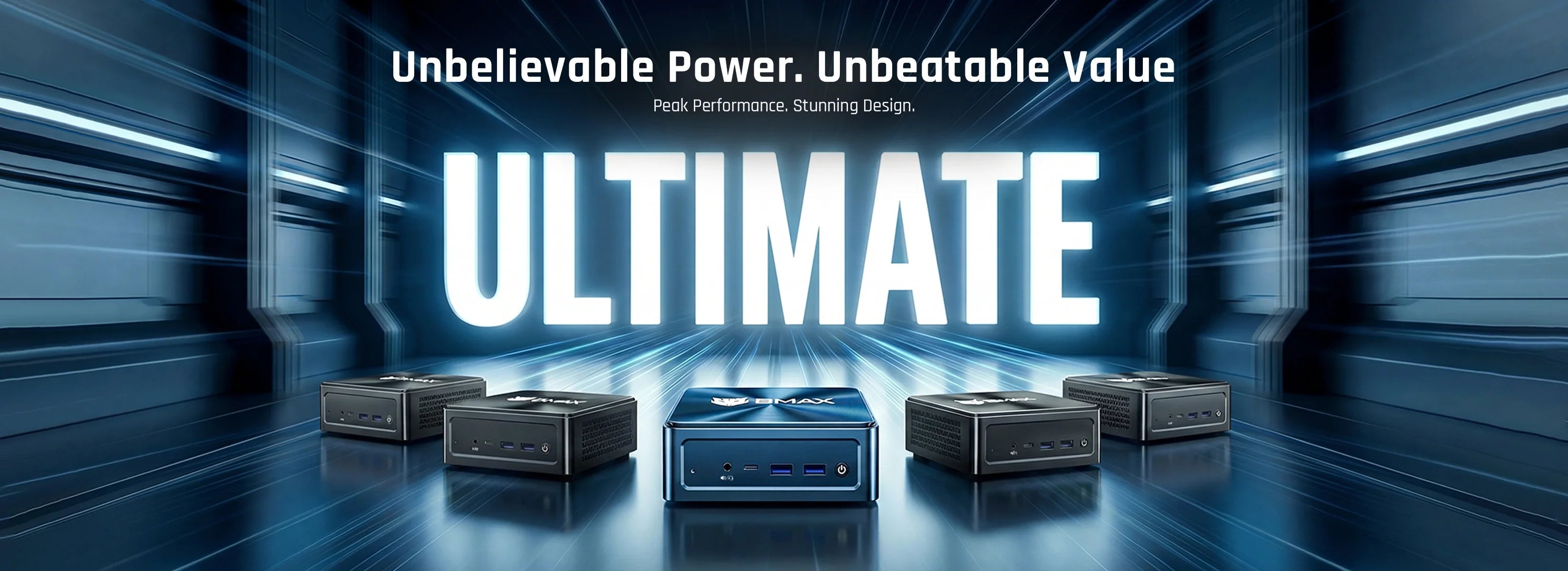
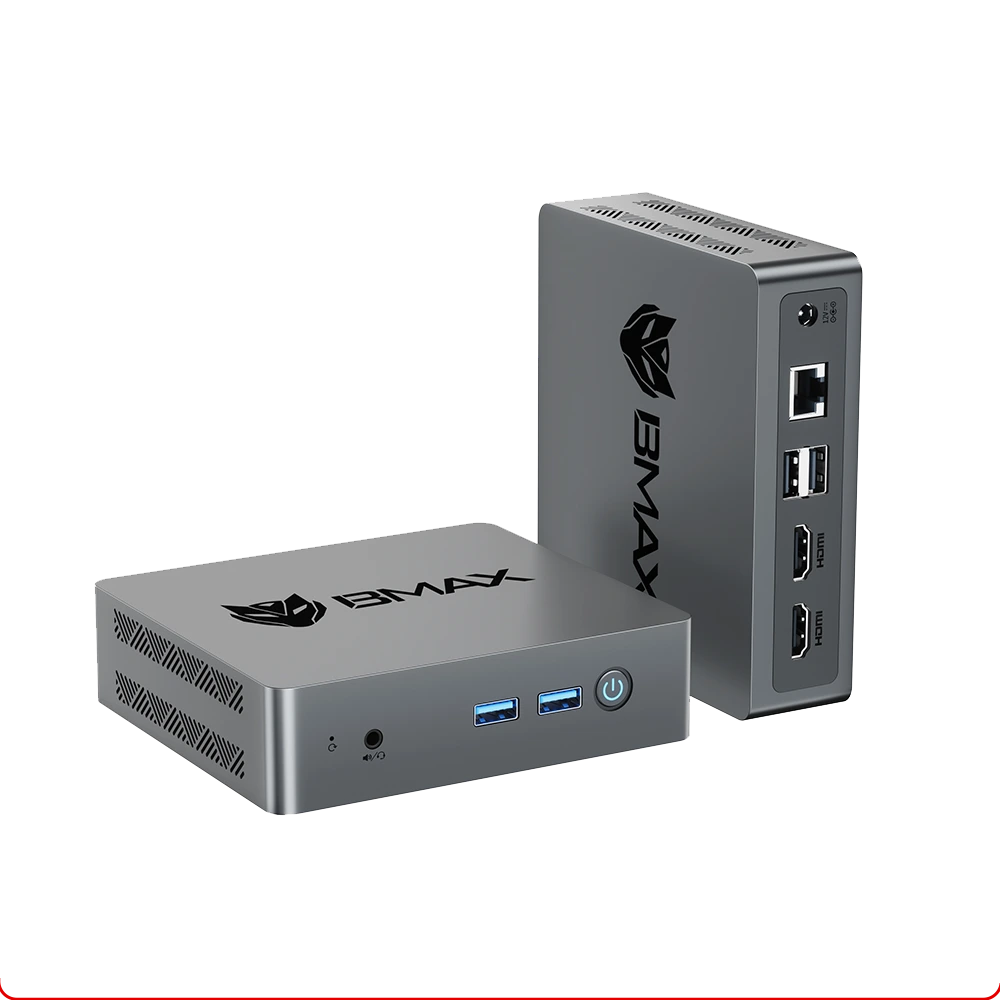
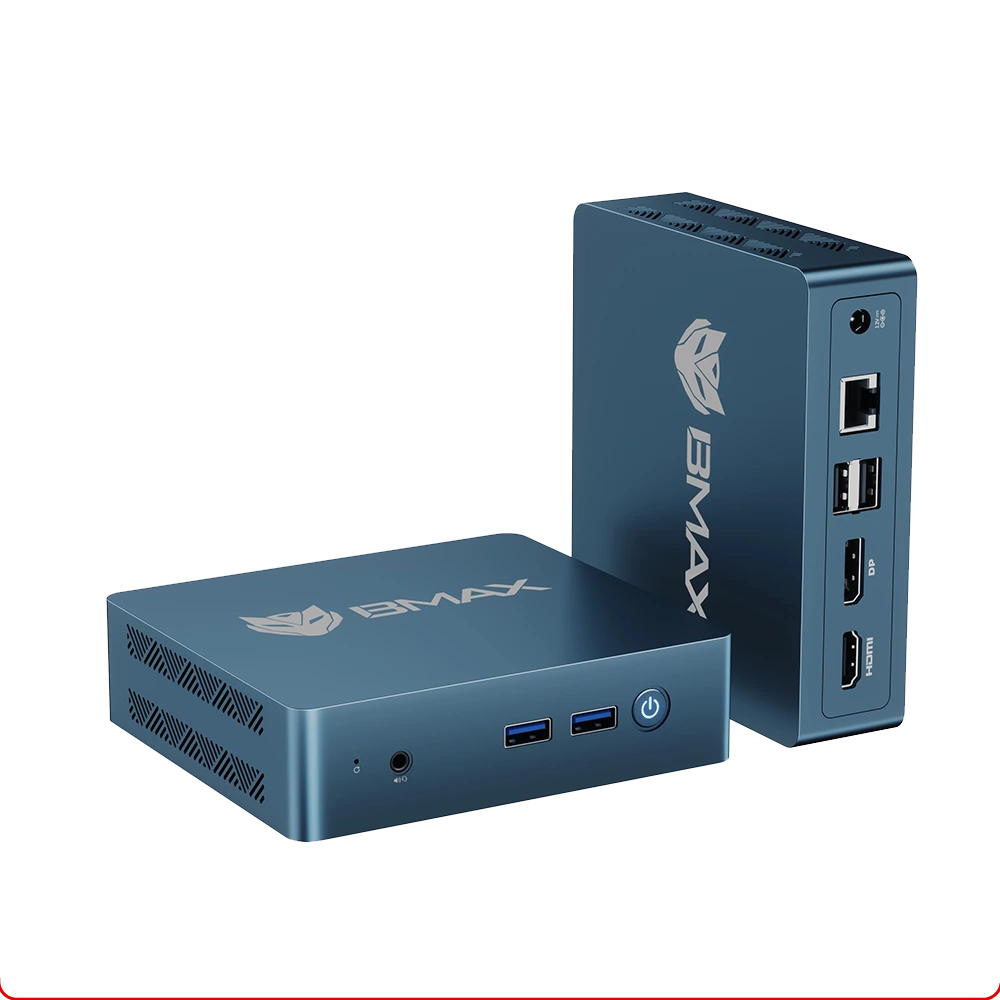
BMAX mini PCs are compact Windows 11 desktops that fit behind a monitor or on a shelf — a fraction of a tower's size, with desktop-class ports and 4K output.
Which BMAX mini PC fits your setup?
Home & office
Word, Excel, 30+ browser tabs, video calls and dual monitors. Choose 16GB RAM if you keep many tabs open; 8GB is enough for a single-monitor desk.
Home server & NAS
Run Plex, Home Assistant, Docker or a small NAS 24/7. Low idle power and quiet cooling make them a good fit for a living-room shelf.
Digital signage, POS & kiosk
Compact chassis, 4K output and VESA-friendly mounting for screens, cabinets and shop counters.
What to check before you buy
FAQ About Mini PCs
Can I upgrade RAM and storage on BMAX Mini PCs?
Can I upgrade RAM and storage on BMAX Mini PCs?
Yes! Most BMAX mini PCs (such as the B6, B8A Pro, and B11/B12 Power series) feature flexible expandability. You can easily upgrade the M.2 NVMe SSD or expand memory to suit your growing storage and performance needs.
Are BMAX Mini PCs good for gaming?
Are BMAX Mini PCs good for gaming?
Our higher-end models—like the B8A Pro (AMD Ryzen 7) and B11/B12 Power series (Core Ultra & i9)—are equipped with robust integrated graphics that can smoothly handle popular casual games, esports titles like League of Legends, and cloud gaming.
How do I mount the Mini PC behind a monitor or TV?
How do I mount the Mini PC behind a monitor or TV?
Every BMAX mini pc comes with a standard VESA mounting bracket included in the box. You can easily attach the bracket to the back of any VESA-compatible monitor or TV to create a clean, clutter-free workspace.
Do BMAX Mini PCs support multi-monitor setups?
Do BMAX Mini PCs support multi-monitor setups?
Yes. Thanks to rich connectivity options like HDMI and Full-featured Type-C ports, most BMAX mini PCs support dual or even triple 4K display outputs, making them ideal for multi-tasking and professional workstations.