

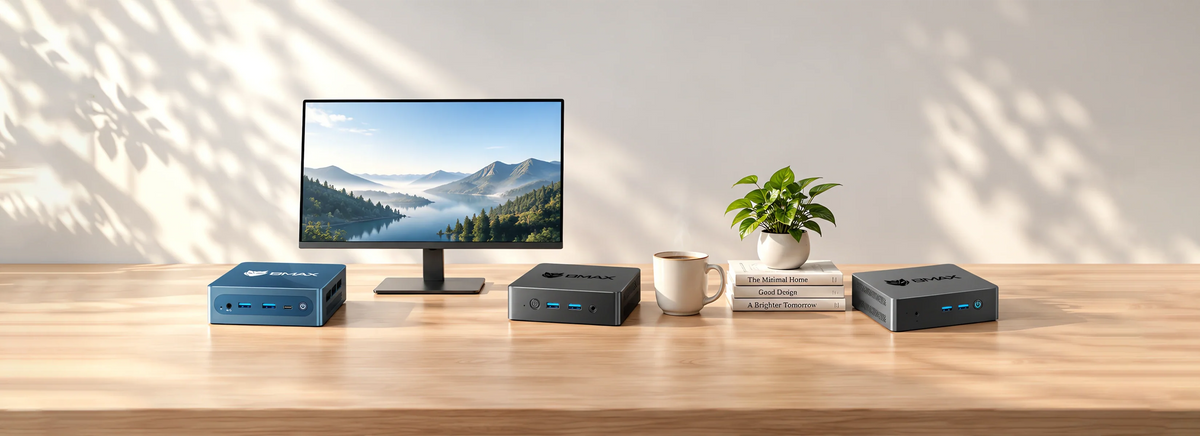
Warum sollten Sie sich für BMAX-Mini-PCs entscheiden?


Wählen Sie Ihren Mini-PC nach Anwendungsfall

Budget & Büro
Äußerst kostengünstig und energiesparend. Perfekt für einfaches Surfen im Internet, Online-Lernen und alltägliche Dokumentenarbeiten.

Ausgewogene Produktivität
Ausgestattet mit zuverlässigen Mittelklasse-Prozessoren für reibungsloses Multitasking, Videokonferenzen und effiziente Büro-Workflows.

Hochleistungs- und Gaming-Gaming
Ausgestattet mit Spitzenprozessoren wie Intel Core Ultra, i9 und AMD Ryzen. Entwickelt für anspruchsvolles Multitasking, 4K-Videobearbeitung und Gaming.
BMAX Secures Your Purchase
Free Shipping
Local warehouse
30-Day Returns
Easy exchange
Secure Checkout
Safe payment
1-Year Warranty
Quality guarantee
VIP Support
Customer service
Technical Help
Expert assistance
Häufig gestellte Fragen zu Mini-PCs
Kann ich RAM und Speicher auf BMAX Mini-PCs aufrüsten?
Kann ich RAM und Speicher auf BMAX Mini-PCs aufrüsten?
Ja! Die meisten BMAX Mini-PCs (wie die Serien B6, B8A Pro und B11/B12 Power) bieten flexible Erweiterungsmöglichkeiten. Sie können die M.2 NVMe SSD problemlos aufrüsten oder den Arbeitsspeicher erweitern, um Ihren wachsenden Speicher- und Leistungsanforderungen gerecht zu werden.
Sind BMAX Mini-PCs gut zum Spielen geeignet?
Sind BMAX Mini-PCs gut zum Spielen geeignet?
Unsere höherwertigen Modelle – wie die B8A Pro (AMD Ryzen 7) und die B11/B12 Power-Serie (Core Ultra & i9) – sind mit leistungsstarken integrierten Grafikkarten ausgestattet, die beliebte Gelegenheitsspiele, E-Sport-Titel wie League of Legends und Cloud-Gaming reibungslos bewältigen können.
Wie montiere ich den Mini-PC hinter einem Monitor oder Fernseher?
Wie montiere ich den Mini-PC hinter einem Monitor oder Fernseher?
Jeder BMAX Mini-PC wird mit einer standardmäßigen VESA-Halterung geliefert. Diese Halterung lässt sich einfach an der Rückseite jedes VESA-kompatiblen Monitors oder Fernsehers anbringen, um einen aufgeräumten Arbeitsplatz zu schaffen.
Unterstützen BMAX Mini-PCs Multi-Monitor-Setups?
Unterstützen BMAX Mini-PCs Multi-Monitor-Setups?
Ja. Dank vielfältiger Anschlussmöglichkeiten wie HDMI und vollwertigen USB-C-Anschlüssen unterstützen die meisten BMAX Mini-PCs zwei oder sogar drei 4K-Displayausgänge und eignen sich daher ideal für Multitasking und professionelle Workstations.



