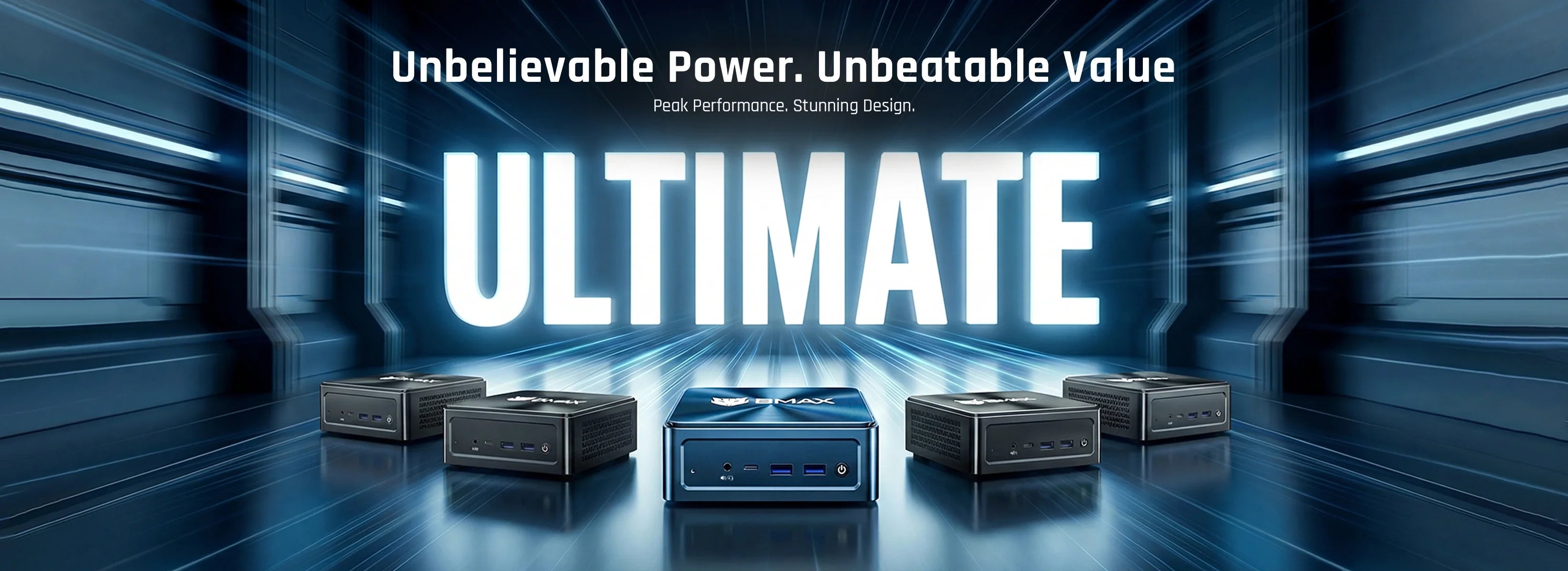

Mini PCs have become one of the fastest-growing options in modern computing. Compared to traditional desktop computers, they take up less space, consume less power, are easy to carry, and offer performance sufficient for today’s everyday tasks, such as work and study.
However, with so many options available, choosing the right mini PC can be a bit challenging.
Should you choose Intel or AMD? How much RAM do you need? Will the mini PC’s performance be sufficient for your work, study, or entertainment needs?
This buying guide will help you understand the key factors to consider when purchasing a mini PC in 2026.
1. Consider Your Primary Use Cases
The best mini PC for you depends on your specific needs.
Home Office and Productivity
For remote work, business tasks, and everyday productivity needs, a mini PC should offer the following features:
- Multitasking performance
- High-speed SSD storage
- Reliable network connectivity
- Support for multi-monitor setups
- Portability
Tasks such as using Microsoft Office, video conferencing, web browsing, and document management don’t require a large desktop computer.
A compact mini PC can meet all these needs while saving valuable desk space.
Students and Educational Uses
Students typically need a computer for:
- Online courses
- Research
- Writing assignments
- Programming exercises
- Multimedia learning
A mini PC is a practical choice because it offers desktop-level ease of use without taking up too much space.
Entertainment and Home Multimedia
Many users also use mini PCs as home entertainment devices.
With HDMI ports and a compact design, mini PCs can easily connect to monitors, TVs, and other peripherals for:
- Watching movies online
- Browsing the web
- Playing music
- Managing digital content
2. Choosing the Right Processor
The processor is one of the most important components in any computer.
For basic tasks, an entry-level processor is sufficient to handle everyday computing needs.
For users who require higher performance—such as those engaged in:
- Intensive multitasking
- Programming applications
- Creative applications
- Graphics production
- Business workloads
A small computer equipped with a more powerful processor will provide a smoother user experience.
Modern AMD Ryzen and Intel Core processors deliver exceptional performance while maintaining energy efficiency.
3. How much RAM do you need?
The amount of RAM determines how many applications can run smoothly at the same time.
Recommended RAM:
8GB RAM: Basic web browsing and simple tasks
16GB RAM: Recommended for most users
32GB RAM or higher: Professional-level workloads and advanced multitasking
For most home users and office workers, 16GB of RAM strikes an ideal balance between performance and cost and is more than sufficient.
4. Storage Matters More
Traditional hard drives are being replaced by solid-state drives (SSDs) because SSDs offer the following advantages:
Faster boot times
Faster application load times
Better overall responsiveness
When choosing a mini PC, consider:
- Storage capacity
- SSD type
- Upgrade options
For users who need ample space to store applications, files, and multimedia content, a 512GB SSD is a good choice—it offers sufficient capacity at an affordable price.
5. Connectivity and Expansion Ports
A good mini PC should offer enough ports to meet your daily needs.
Important ports include:
- HDMI or DisplayPort
- USB ports
- USB-C ports
- Ethernet
- Wi-Fi
- Bluetooth
For productive office users who need a larger workspace, multi-monitor support is also very useful.
6. Mini PCs vs. Traditional Desktop Computers
Traditional desktop computers still hold an advantage when it comes to high-end gaming and professional-grade workloads.
However, mini PCs offer the following advantages:
| Mini PC | Traditional Desktop |
|---|---|
| Smaller size | Larger footprint |
| Lower power consumption | Higher energy usage |
| Easy placement | Requires more space |
| Quiet operation | More components |
| Good everyday performance | More upgrade flexibility |
For most ordinary users, mini PCs offer an efficient, practical, and convenient solution.
Why Choose a BMAX Mini PC?
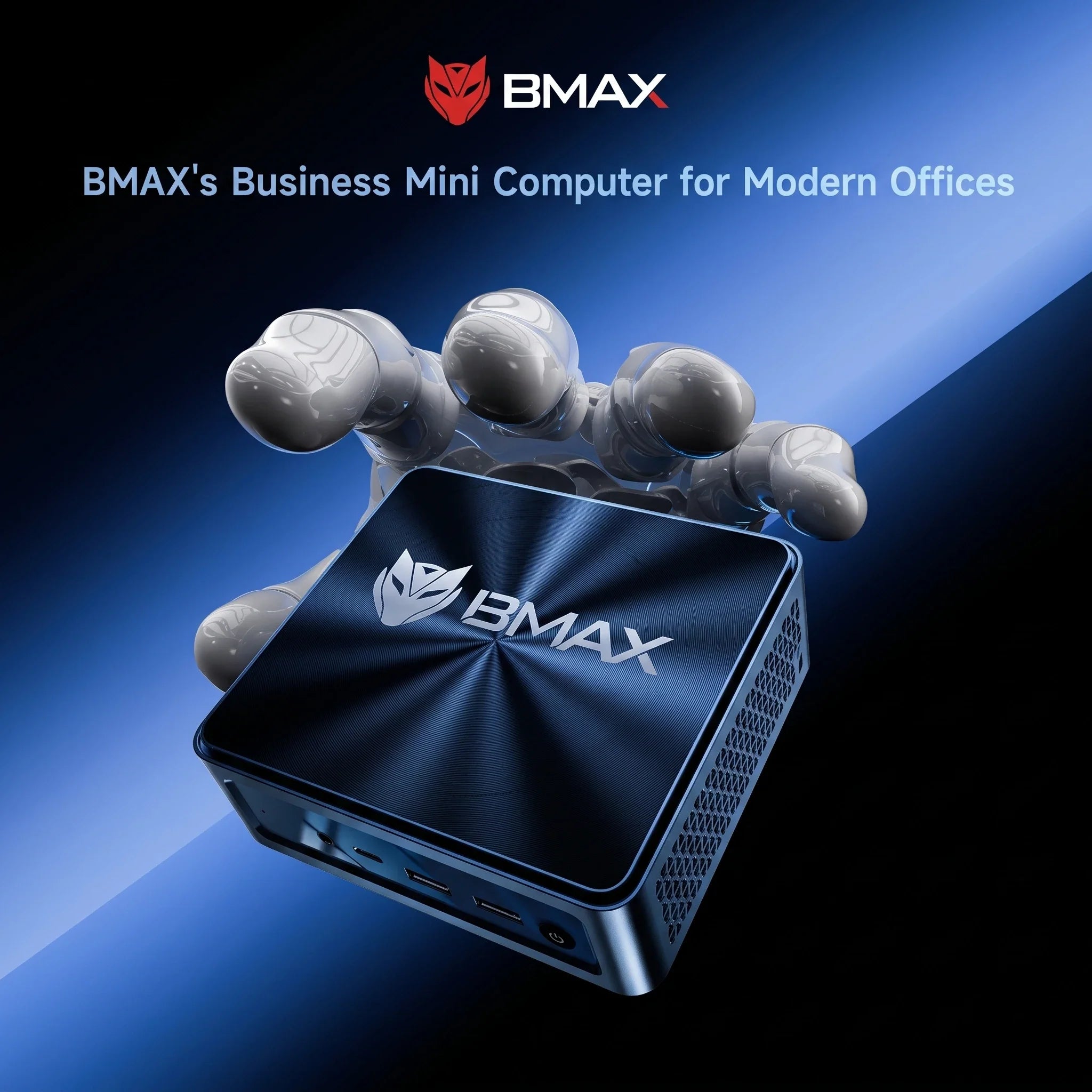
BMAX is committed to creating compact computers that balance performance, design, and value.
Whether you need a computer for:
- Working from home
- Online learning
- Business applications
- Entertainment
- Everyday tasks
BMAX mini PCs provide you with a reliable computing solution without unnecessary costs.
Conclusion
Choosing a mini PC doesn’t mean sacrificing performance.
As long as it’s equipped with the right processor, memory, storage, and connectivity, a mini PC can serve as a viable alternative for most users.
Before making a purchase, carefully consider your daily needs and choose a mini PC with a configuration and performance level that fits your lifestyle and work habits.